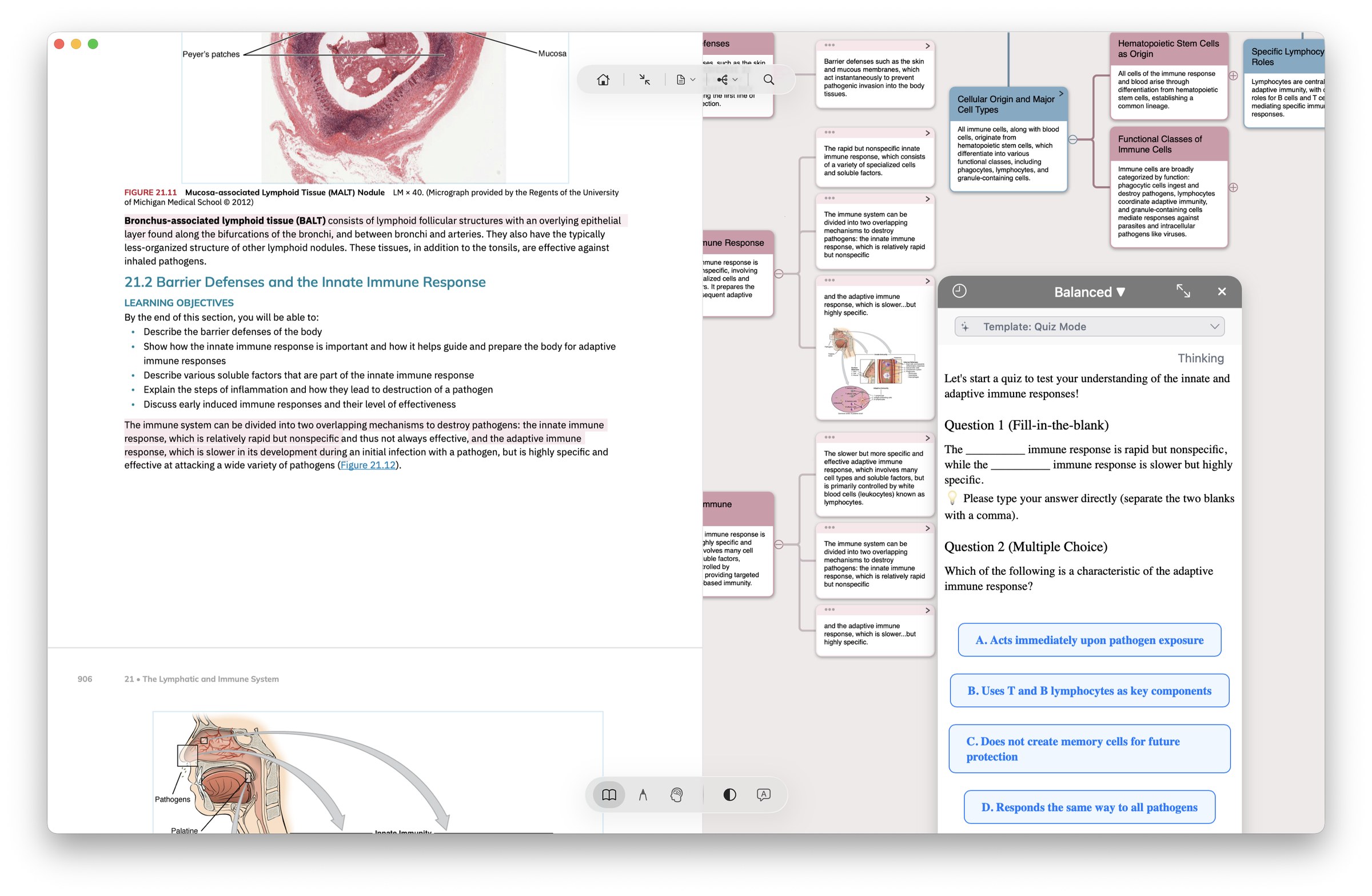
Books you read should still be useful later. MarginNote keeps highlights, mind-map notes, and flashcards in one study set, so you can find what you marked when you need it.
"this is hands down the most intuitive and effective reading, note-taking, research, and writing tool I have ever tried."
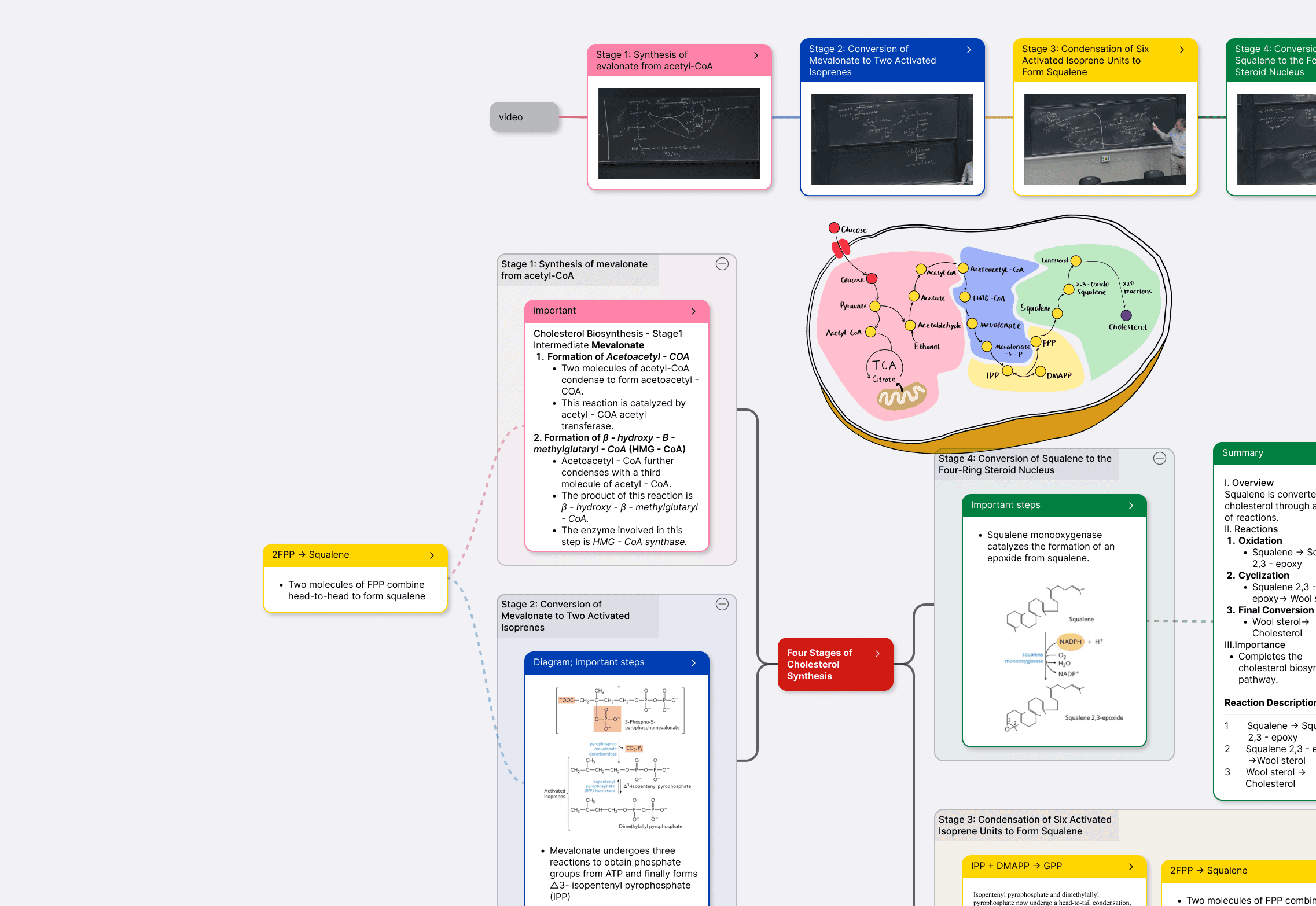
PDF excerpt · mind map node · flashcard — same card, three forms.
FOR YOUR FIELD
Six focused playbooks — built around how real users actually work on iPad and Mac, not a generic feature list.
IMMERSIVE MODE · NEW IN MN 4
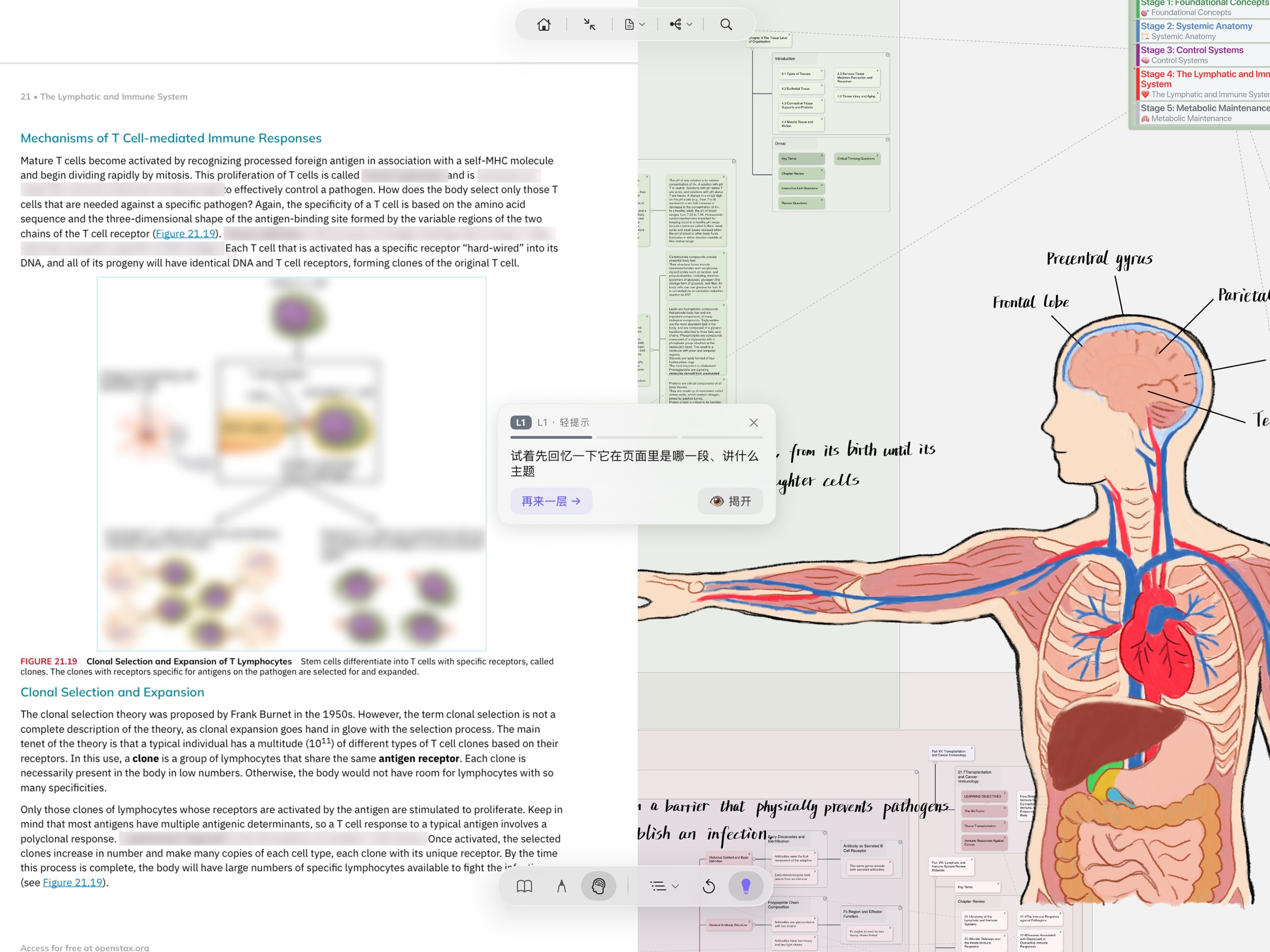
MN 4 reworked the main UI: switch to Immersive Recall — the UI steps aside, the document goes quiet, only the tools your current posture needs stay. What's left is you and what you can remember.
CORE FEATURES
Four modules, wired together so that a highlight becomes a mind-map node becomes a flashcard — and then, months later, a cited paragraph in what you're writing.
Supports PDF, EPUB, web pages, and video. Every highlight becomes a card automatically. OCR for equations, tables, and handwriting. Bidirectional links between card and source page.
Learn about annotation →
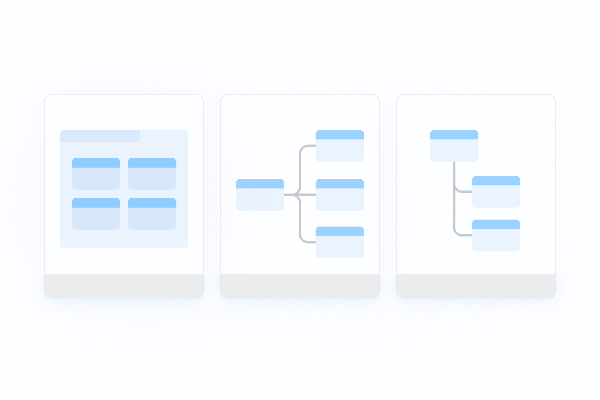
Tree, fishbone, timeline, concept map, matrix — switch freely. The structure of your thinking shouldn't be forced into one shape.

Wiki-style card links. Every note knows where it came from, which means a highlight from 2019 is still findable today.
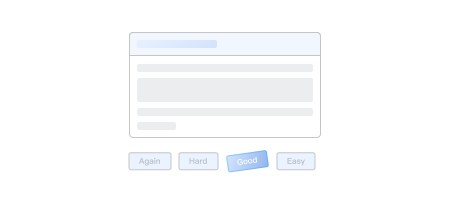
The Free Spaced Repetition Scheduler — more accurate than SM-2 for most learners. Gives each card its personally optimal next review. On average, 30% less review time than traditional Anki schedulers.
How FSRS works →
The AI can summarize chapters, surface key terms, and generate quiz questions — but every suggestion can be accepted, edited, or rejected before it enters your knowledge graph. You stay the author.
Explore AI →WHAT USERS SAY
We show verified quotes with links back to the original forum post, community review, or app-store page. No stock photos. No invented testimonials.
I've been using MarginNote for a few years. Margin note is what I use for reading. I highlight and make, well, margin notes. I don't put too much thoughts into my notes and highlight indiscriminately. That's the first step. I consider it something like rapid logging in a bullet journal. The point is not to loose focus on what I'm reading, while not forgetting thoughts that arise while reading. The second step is to synthesise and assimilate the highlights and my rapid notes into a summary and proper notes.
I'm a fourth-year MarginNote user. Over that time I've built up more than 5,000 cards. When I'm preparing for an exam, I don't study from the textbook — I study from my own accumulated cards. The topic-based mind maps let me see the shape of a whole chapter in one glance.
I've been practicing law for six years and I've never gone back to paper case files. Across cross-volume comparisons, jumping between evidence exhibits, witness statements — the iPad plus MarginNote is how my whole practice runs now.
English App Store reviews pending second-pass verification against Appfigures API. Stats shown (4.5★ / 4.7★) come from the public App Store listing pages.
Free 14-day trial. No credit card. Mac and iPad — your highlights sync across both via iCloud.