Cards as the Axis — Document ↔ Mind Map, one atom
MN's smallest unit of data is not "a PDF highlight + a notes-app note + an Anki card" — three separate things. It is one card, rendered as a highlight in the document view, as a node in the mind map, and as a flashcard in review mode. Excerpt once, take effect in three places.
● Live 🔗Title Link — knowledge builds its own network
Each card's title becomes a keyword; its annotation becomes the definition. When you read a new document, concepts that appeared in past notes light up automatically on the new page. No clicking, no searching, no manual link-building required.
● Live 📝Extended Note — long-press for room to write
New in MN4: long-press anywhere on a PDF to open a writing space that isn't tethered to a sentence or keyword, with three display modes (inline / margin / collapsed). This capability didn't exist in MN3 — it arrived with MN4.
● Live 🌌Immersive Mode — Read · Write · Recall
Introduced in MN 4.4. All conventional UI folds away, leaving only a single capsule at the bottom holding the tools you need for your current posture — Read, Write, or Recall. Recall is the centerpiece: excerpts auto-blur with a Gaussian, and you tap to reveal only after actively trying to remember.
● Live 🤖MarginNote AI — where it shows up
Since MN 4.2, AI is embedded into the existing workflow — help you ask while reading, restructure while organizing, recall while reviewing. It shows up where you already work; the places where it deliberately stays out are equally by design.
● Live 🛡️Sync & Backup — 4 backup locations + cross-device sync
Step-by-step setup for the 4 auto-backup locations (Local / WebDAV / Baidu NetDisk / Google Drive), Full Export, and CloudKit cross-device sync. How to set each up, capacity guidelines, what to do when things go wrong.
📦 More features
The full ecosystem also includes these
The four cards above are the mechanisms worth a deep-dive interactive demo. Below: the rest of MarginNote's toolkit — every step of read · write · think · review has a dedicated tool.
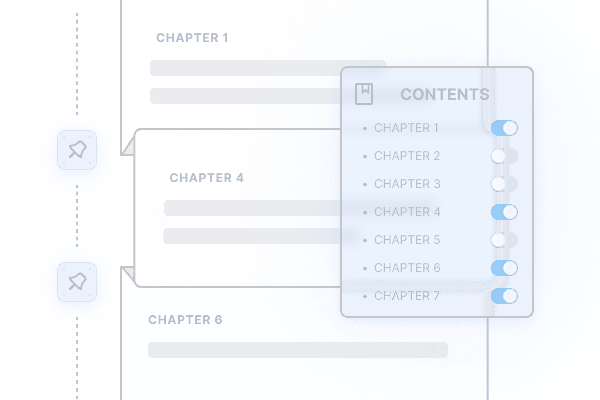
Foldout Recomposition
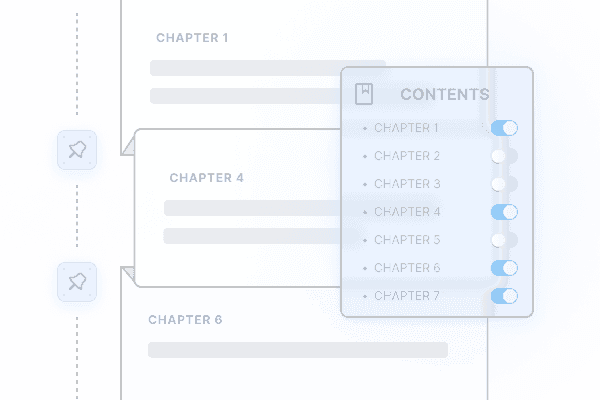
Control your book through its TOC. Merge multiple books, swap chapter order, fold away large blocks you don't need.

In-app Browser
Look up references and online encyclopedias in-line, slice clips from online video courses — without leaving the app.

Side-by-side Comparison
Synced scrolling between two documents. Every note auto-resolves back to the page it cites. Great for translations, lecture vs slides, exam vs key.
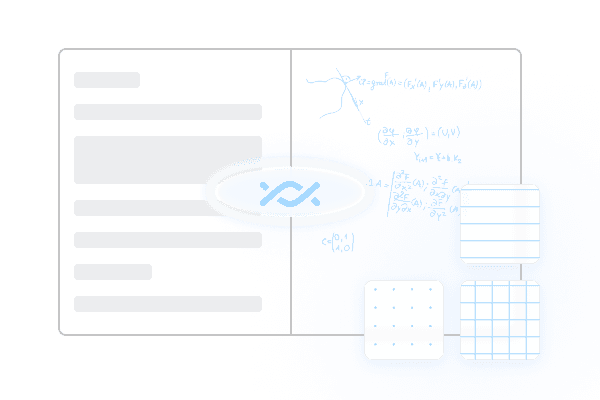
Handwriting Notebook
Infinite-paper notebook in many ruling styles, for free-form thinking and summary. Independent of any specific document page.
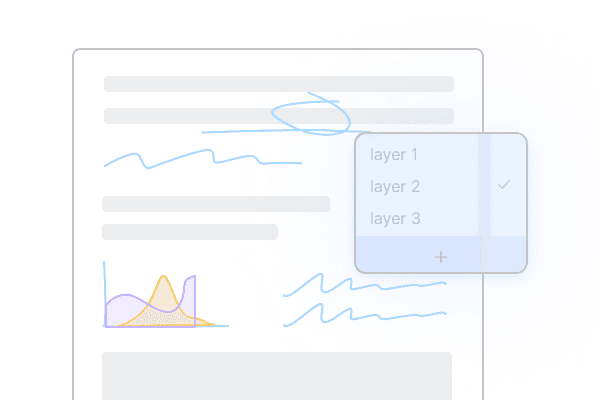
Multi-layer Scratch
Switch between study notebooks and ink layers — re-read, redo problems, all on the same source book over multiple passes.
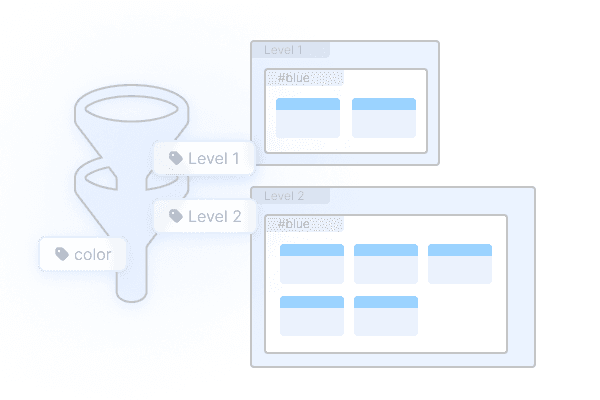
Card Box Kanban
A visual kanban over your card box. Multi-level grouping and filtering — turn a chaotic mistake-bank into something sortable.
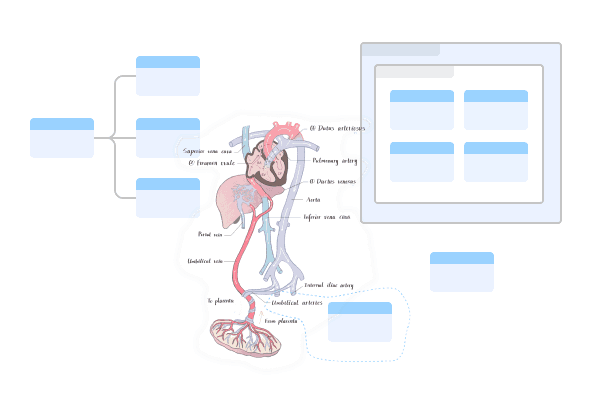
Hand-drawn Mind Map
Rich brushes on an infinite canvas. Ink follows the layout when nodes move — your scribbles never drift.
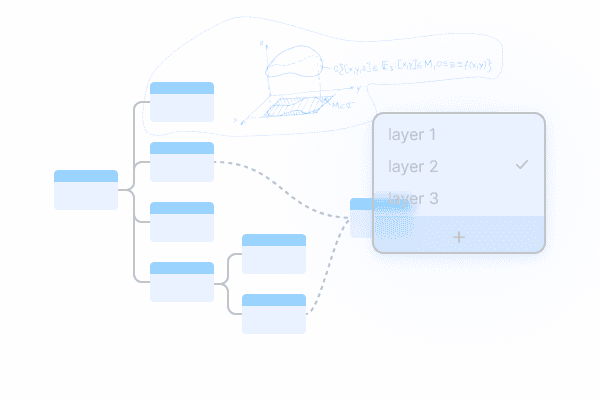
Multi-canvas Layers
Reference existing knowledge cards in a separate space to build new structural understanding and overlays.

Outline
A plain-text editor view that shows the same map as a hierarchical outline. Different surface, same data.
Document Recall
Hide highlights and handwritten notes; cloze in the book itself; collapse Extended-Note cards. Re-reading becomes re-remembering.
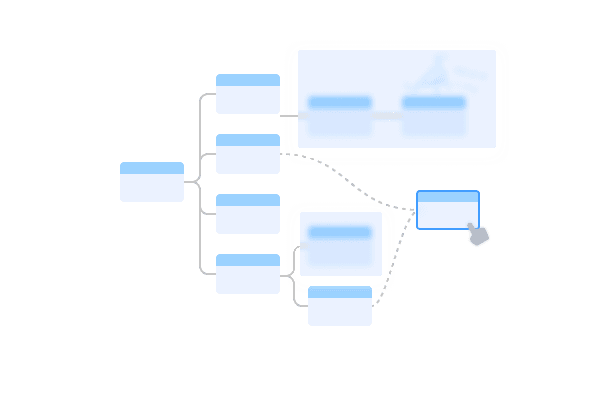
Mind Map Recall
Progressive collapse of the knowledge frame; hide handwritten notes attached to cards; partial or full hiding of card content.
Scene Recording
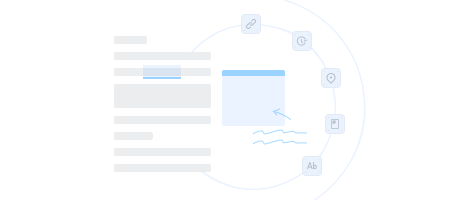
Faithful recording of the moment: stroke order, page state, mind map references, cross-link positions — replay them later.
Video Notes
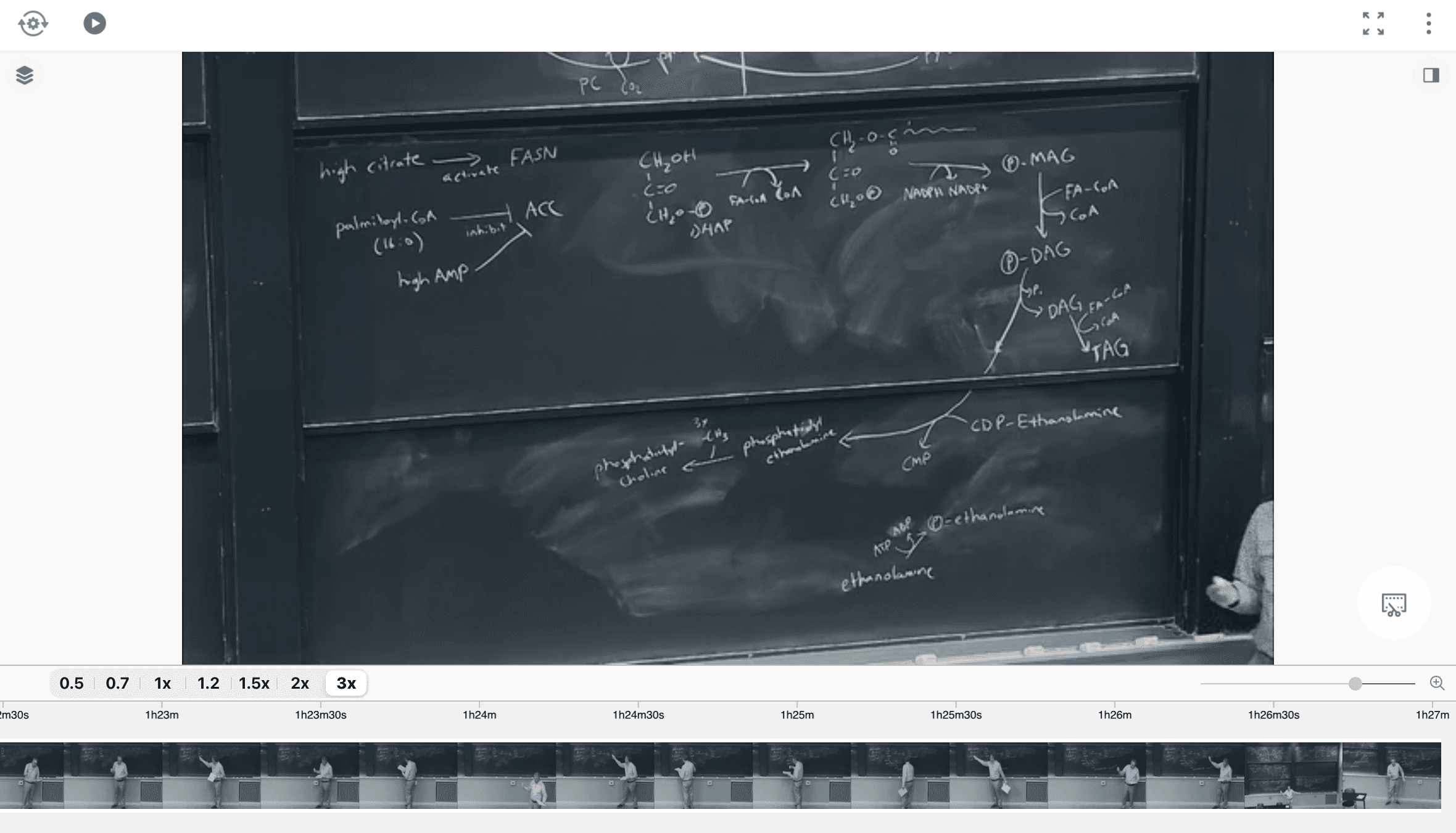
Local video plus YouTube / Bilibili online video. Speed control, keyframe clip extraction, subtitle-synced annotation.
Book Compile
Chapter-level toggles plus cross-book splicing. Combine guidelines, textbooks, and articles into a personalized "exam book."
Mind Map Layers
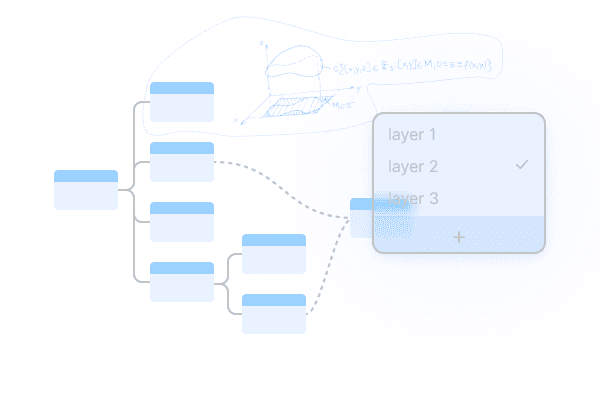
Multiple layers on the same map. View only the highlighted layer when reviewing, only the draft layer when authoring.
—— See how these land in real situations → Workflows; see when each was introduced → What's New