MarginNote 5 adds a customizable template system. Start from an existing template, adjust its supported modes, tools and menus for a task, and reuse your setup in other study sets. Card Practice and Reading Vocabulary are two examples, not the limits of the interface. Your existing study sets and notes stay in use.
Make it yours
Copy a template, adjust its modes, tools and menus, and check the preview. Save it to reuse in another study set, or export it to share.
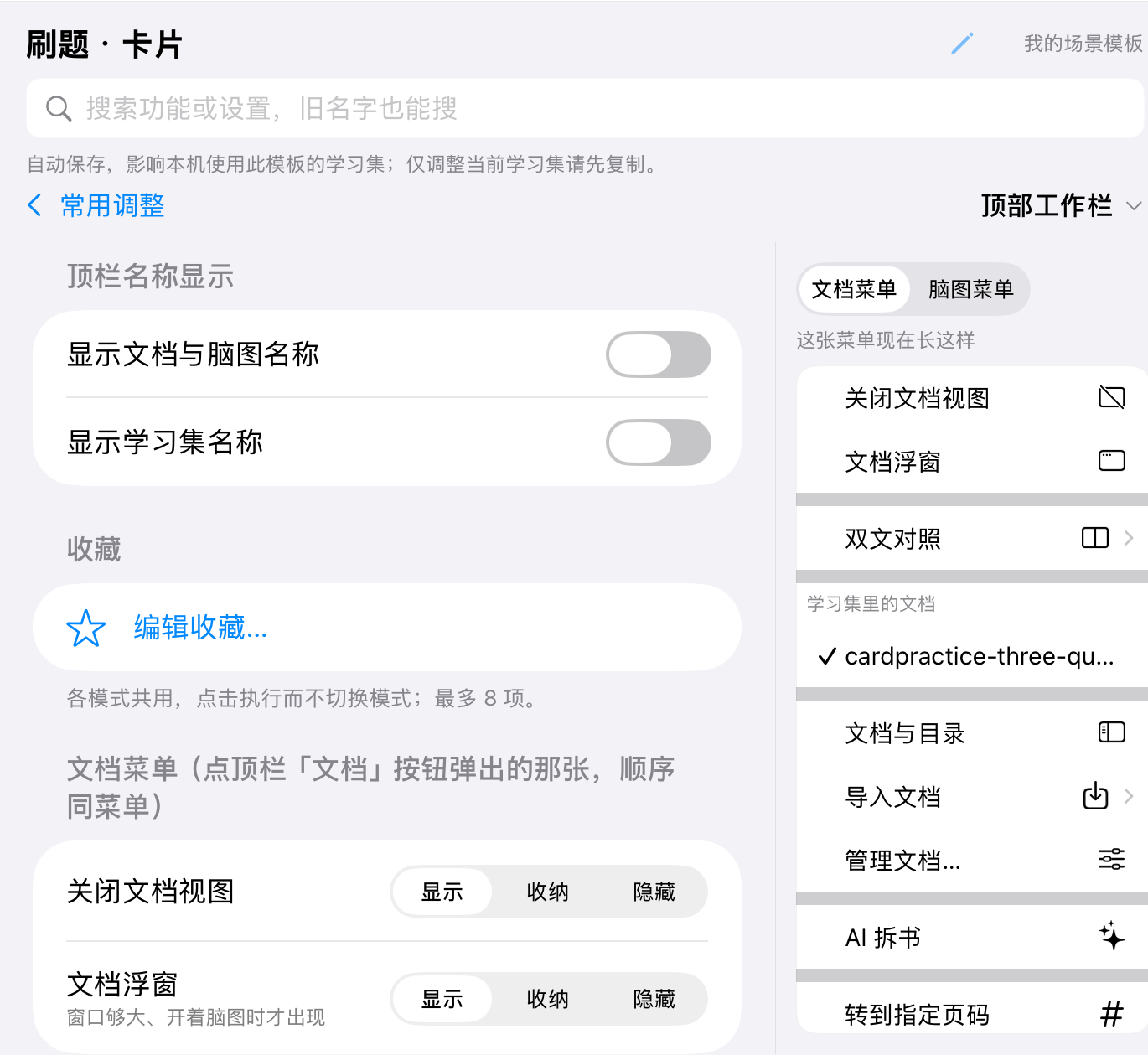
In 30 seconds
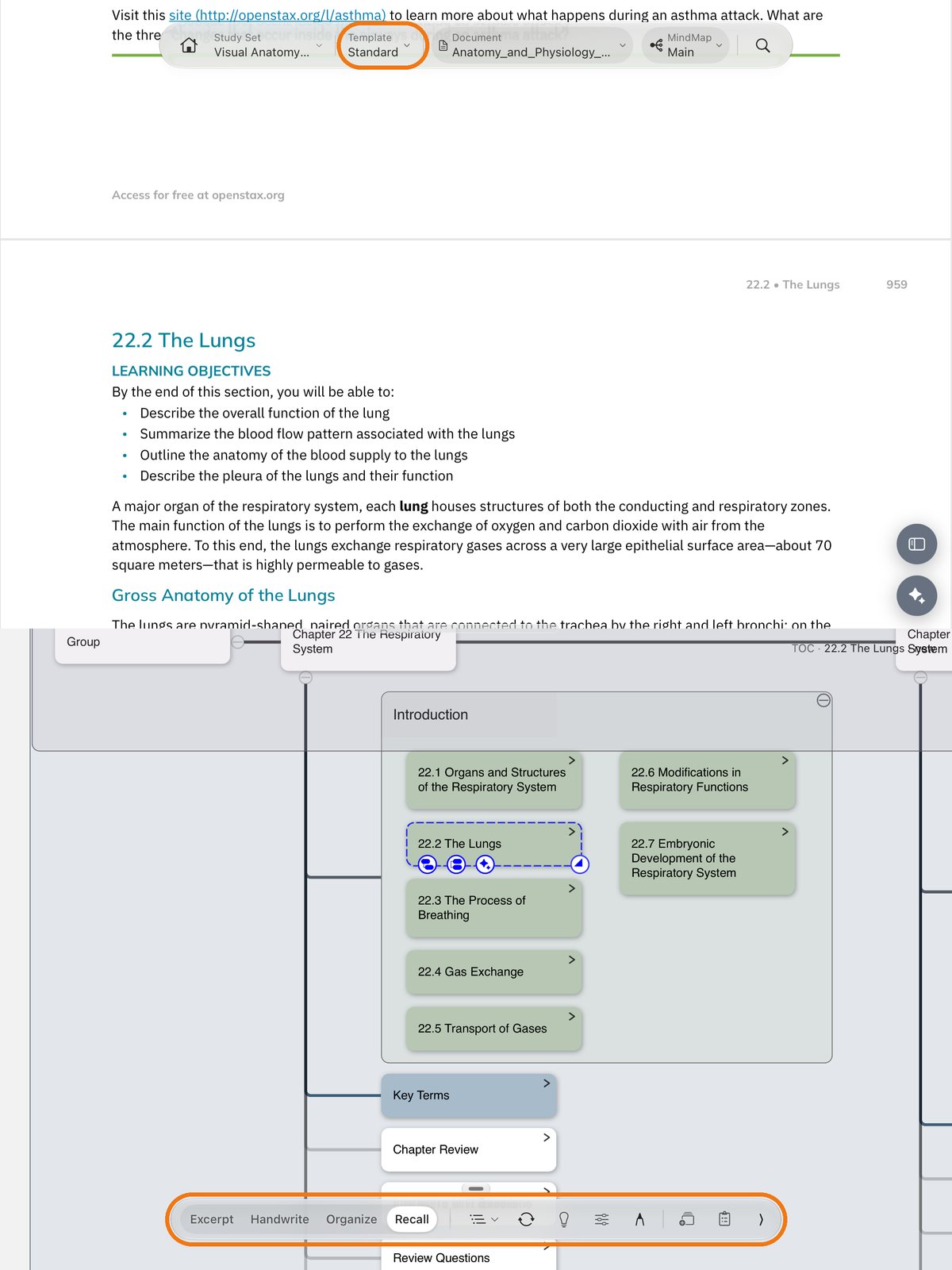
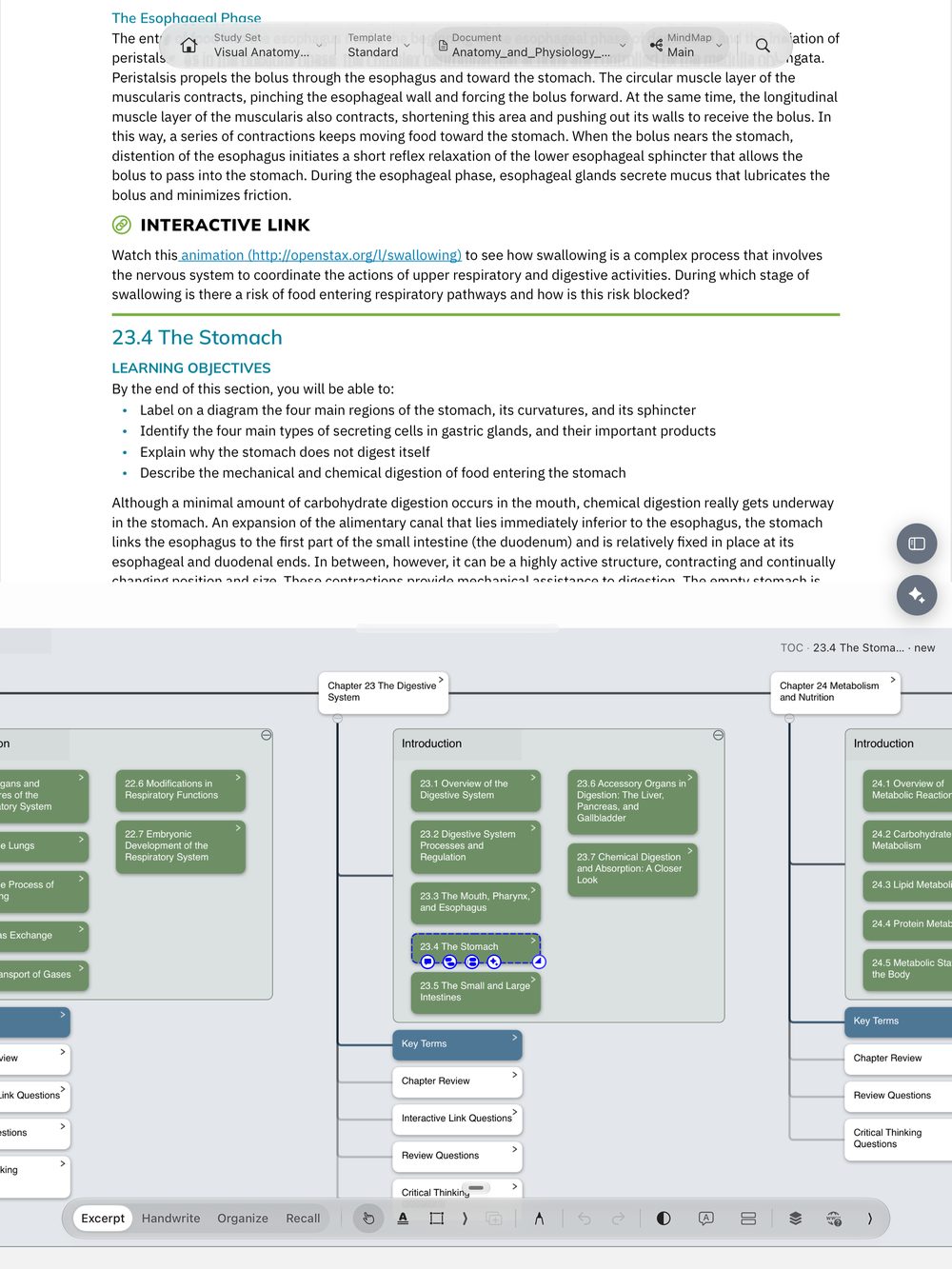
MarginNote has many tools, and new users often do not know where to start. Templates group the tools by task: when you read, you see the excerpt tools; when you practice, you see answer sheets and answer checking; when you learn words, you see word cards.
New users, and people who gave up before because MarginNote felt complex: start with "Standard" and use one mode at a time. Also people who do several kinds of study tasks — use one template for each task.
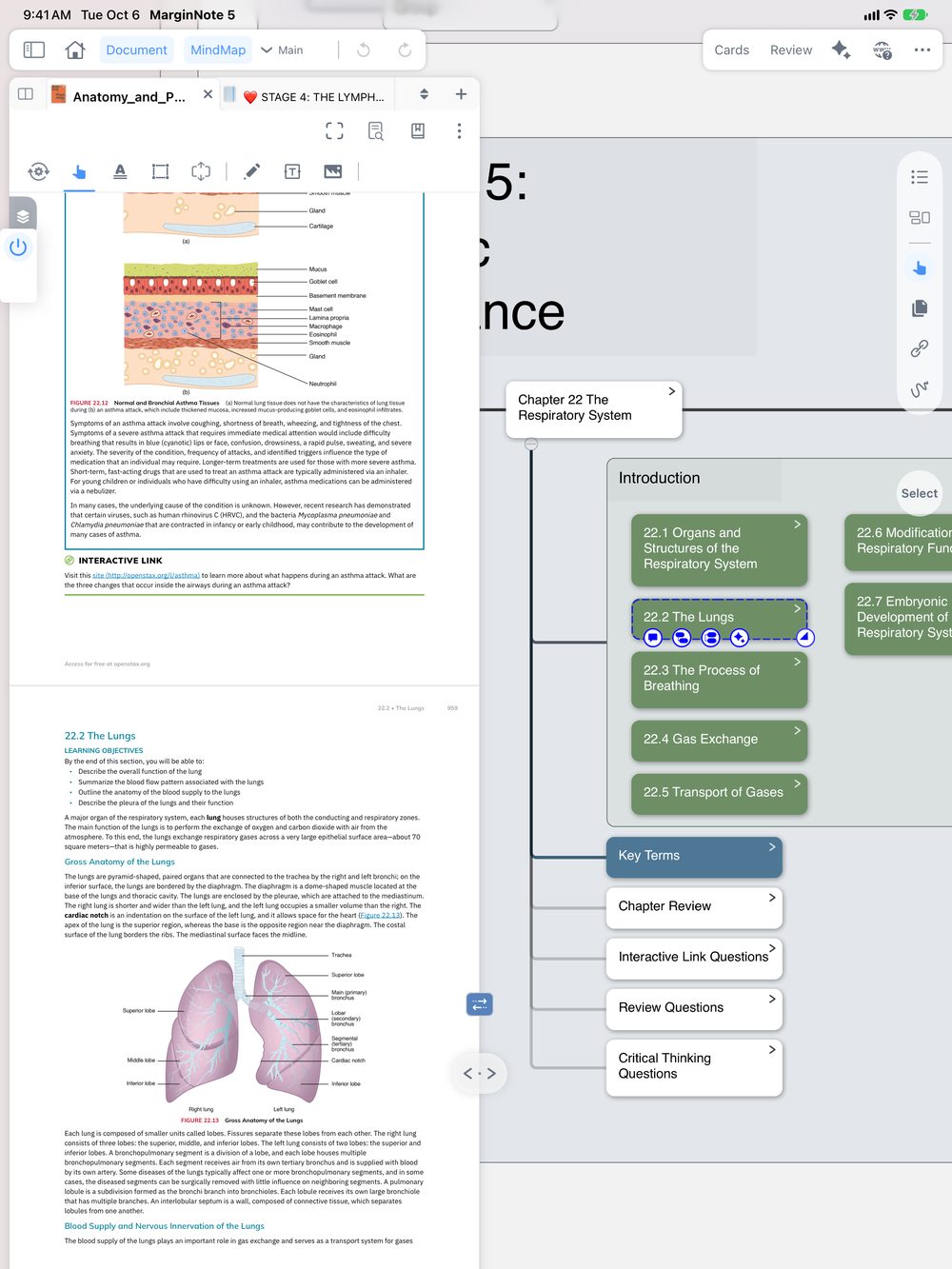
On devices that support the Traditional Interface, you can keep the familiar layout: select the template name at the top → "Switch to Traditional Interface". Your study sets and notes are the same in both interfaces.
Built-in template
Change modes in the bottom bar. Each mode shows only the tools for that step (orange). When you make an excerpt in a PDF, MarginNote makes one card, and the card shows on the PDF, in the mind map and in the review deck.
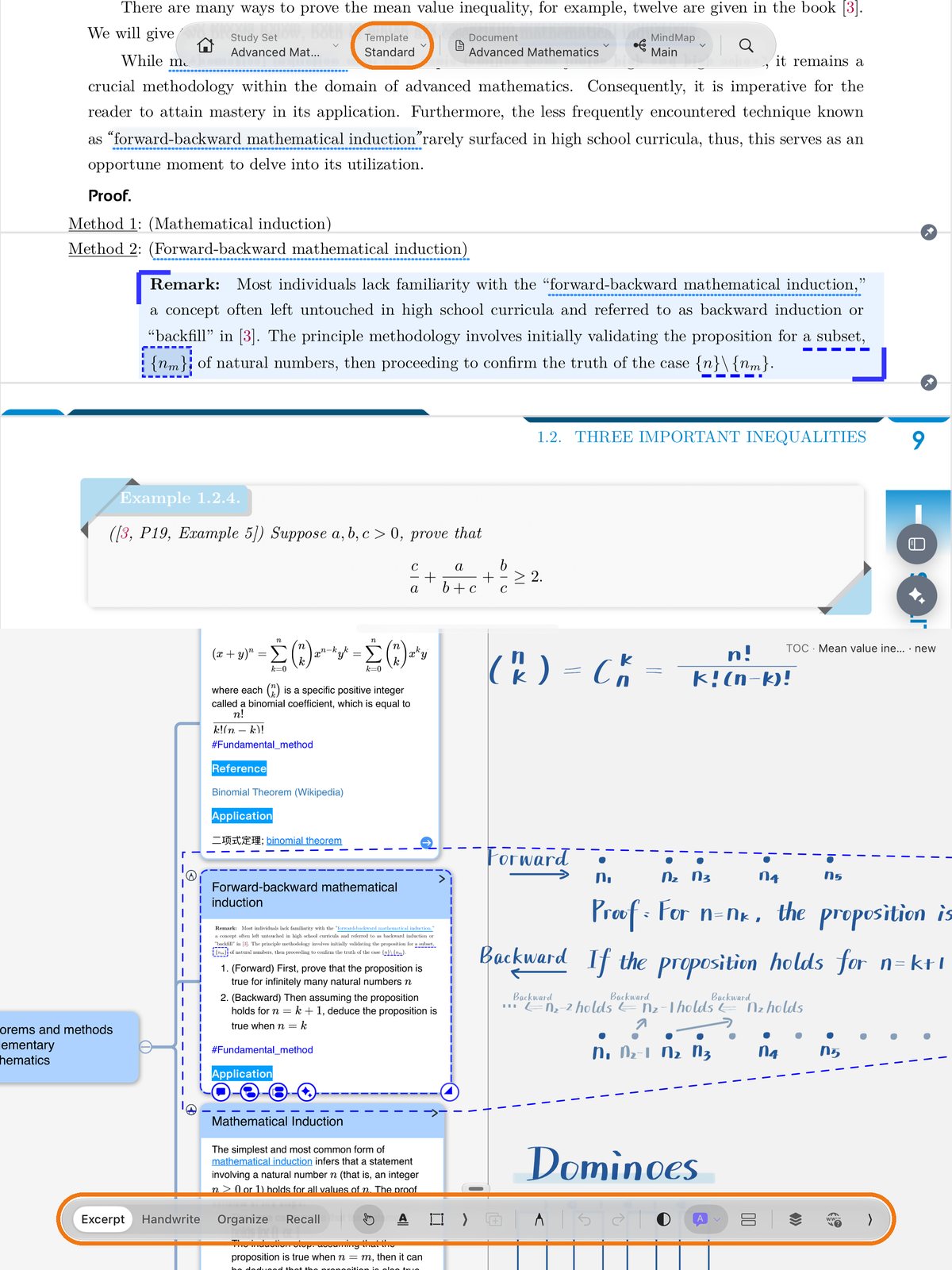
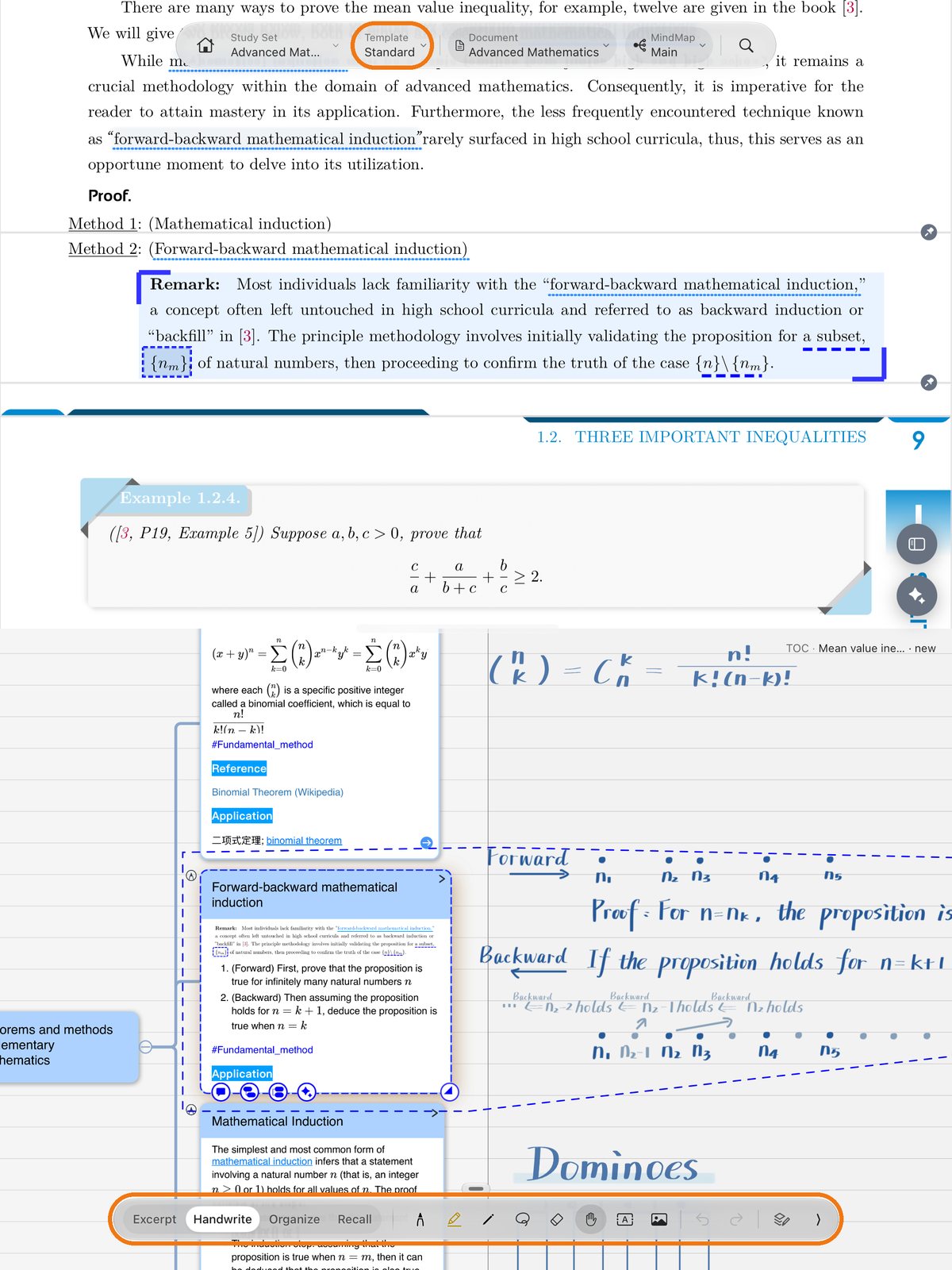
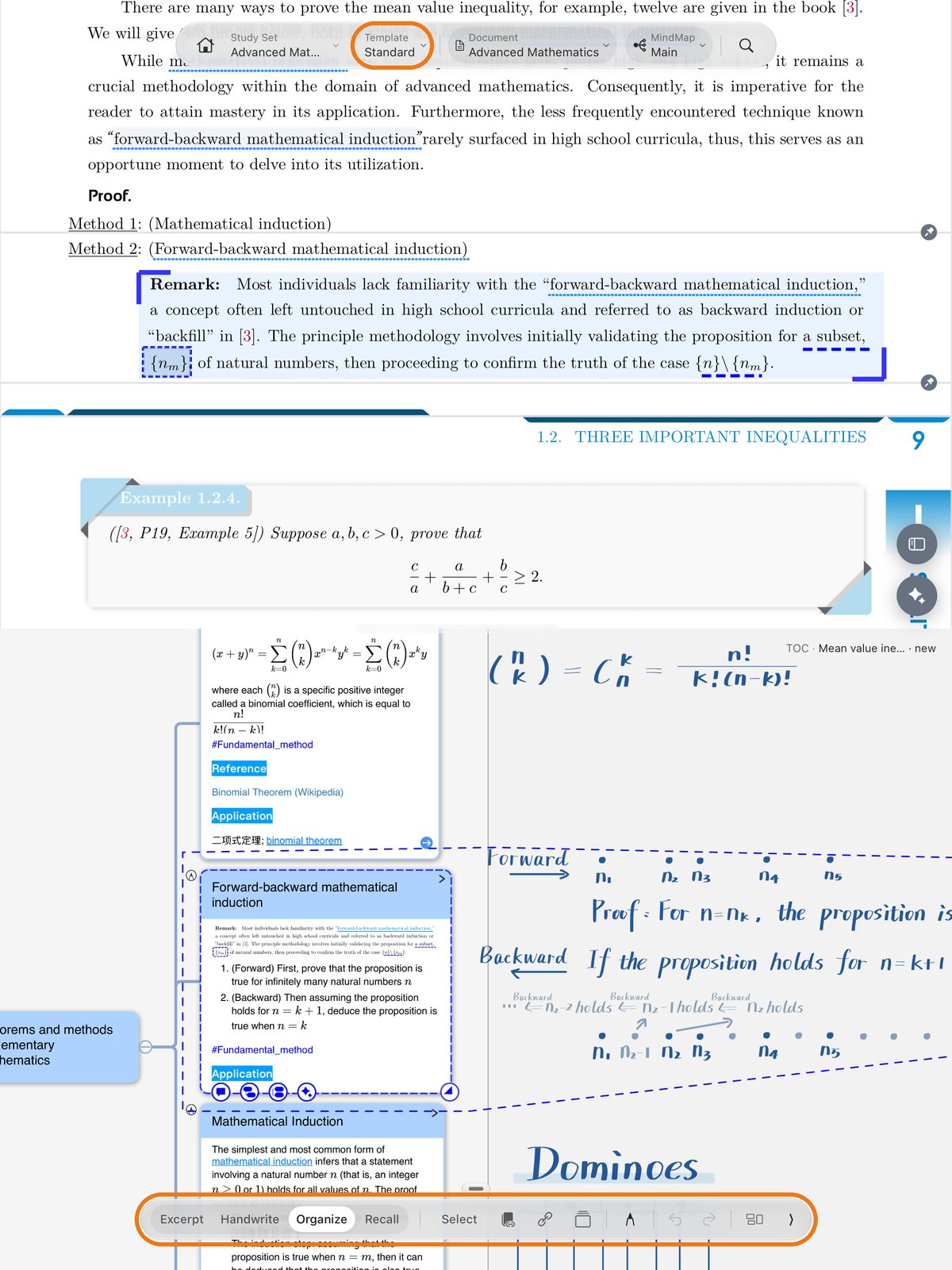
Template Gallery
Select the template name at the top → "More Templates…" to open the Template Gallery. Installed templates appear in "My Templates". Packages that include a sample study set let you try the setup before adapting it.
Coming from MarginNote 4
On devices that support the Traditional Interface, use the following menu. iPhone Duo uses the Scenario Interface.
To go back to the Scenario Interface, select the switch at the top of the screen. Both interfaces use the same study sets and notes. The Read, Write and Recall modes of Immersive Mode are now in the template "3-Mode Sample" in My Templates.
MarginNote 5 is a free update. Your study sets and purchases do not change. macOS / iPadOS / iOS.