Immersive Mode — Read · Write · Recall, three states in one capsule
All conventional UI is folded away, leaving a single bottom capsule that surfaces only the tools your current learning posture needs. This is the first time MN has split "studying" into three distinct activities, instead of piling them into a single interface that fights for your attention.
- Three-state switching: Read / Write / Recall capsule with ~0.28s Spring animation transitions
- Recall mode (the headliner): highlights auto-blur with Gaussian, and only active recall reveals them on click — active recall, productized
- Liquid Glass visuals: the new design language introduced in iOS 26 / macOS 26, with genuine floating-glass texture
- AI Hint Mode (Pro · Apple Intelligence integration): when stuck on a card, three-tier hints — Neighbor Coordinate / Reasoning Prompt / Key Distinction — can be generated by Apple Foundation Models on-device. Settings toggle: cloud LLM ↔ Apple AI; offline auto-falls back to Apple AI (if device supports it). Requires iOS 26+.
- Sticky per-topic: each Study Set independently remembers "default to immersive or not"
New data architecture — git for study notes
A real architectural upgrade in this generation, not just new features. MN 4.3 swaps the underlying storage: every change is auto-versioned so you can roll back to any earlier state — similar to what git does for code, but adapted for study notes. Historical issues like "mind map corruption" and "lost handwriting" are structurally fixed.
- Local integrity: auto-snapshot is on by default — 5-min idle / pre-sync / pre-conflict snapshots all run automatically, so crashes are recoverable
- Auto Backup: the architecture applied to backup — runs on schedule (hourly / 6h / 12h / daily / weekly), incremental dedup, choose destination (Local / WebDAV / Baidu / Google)
- Full Export: long-standing manual full-archive path is preserved — three granularities, output as
.marginbackupall - Sets up Cloud Drive Sync: the same architecture will power cross-device sync next (Cloud Drive Sync coming soon, mutually exclusive with legacy CloudKit Sync)
Zotero Connector — direct link to your reference manager
A long-standing request from researchers — "MN ↔ Zotero direct integration" — has now arrived as an officially signed Zotero Connector plugin. Researchers use Zotero as the master reference index and MN as the deep-reading and card-making tool — and the bridge between them no longer needs AppleScript / Obsidian or other intermediate hacks. Version evolution: v0.1.0 (basic search-and-write) → v0.6.0 (note sync) → v1.0.0-α (custom fields, ~February 2026).
- Two-way navigation: search Zotero literature and write into MN cards; click an MN card to jump back to the Zotero entry or attachment
- Collection / Tag as search filters: use Zotero's classification system directly inside MN to filter
- Backlinks: MN-note associations are written back into Zotero — both sides can find each other
- Dual API support: works with both local API and cloud API — pick whichever fits your workflow
- Sync scope: import documents + sync notes + backlinks + custom fields
AI arrives in MarginNote — embedded into the three-view workflow
4.2 embeds AI into MN's existing "document / mind map / card" three-view system, covering three learning moments — ask in place while reading, restructure your framework while organizing, and generate cloze questions while reviewing.
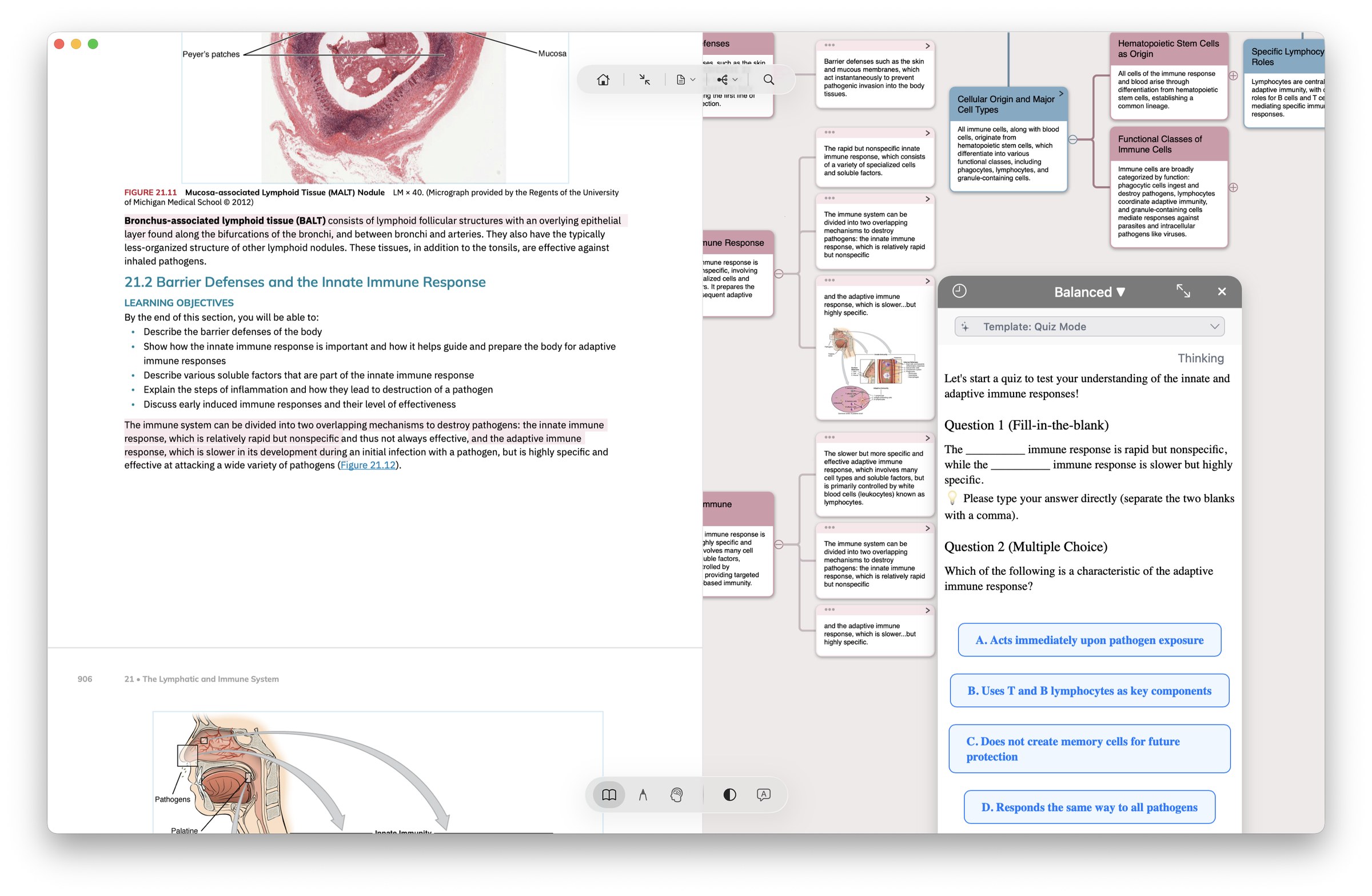
- Two conversation modes: Ask popover (an in-place "quick question" on document/mind map, with the result bound to the current paragraph) + Chat sidebar (a "long conversation" with persistent history, for deeper follow-ups)
- Five Function Calls: whole-book Q&A / auto-highlight / framework reorg (let AI re-arrange the mind-map skeleton) / cloze practice (auto-generate cloze cards from highlights) / batch polish (rewrite multiple notes in one pass)
- Smart Prompt management: built-in preset modules across four categories — tone, rules, goals, tools; 3 study modes (Guide / Quiz / Explain) match different learning postures
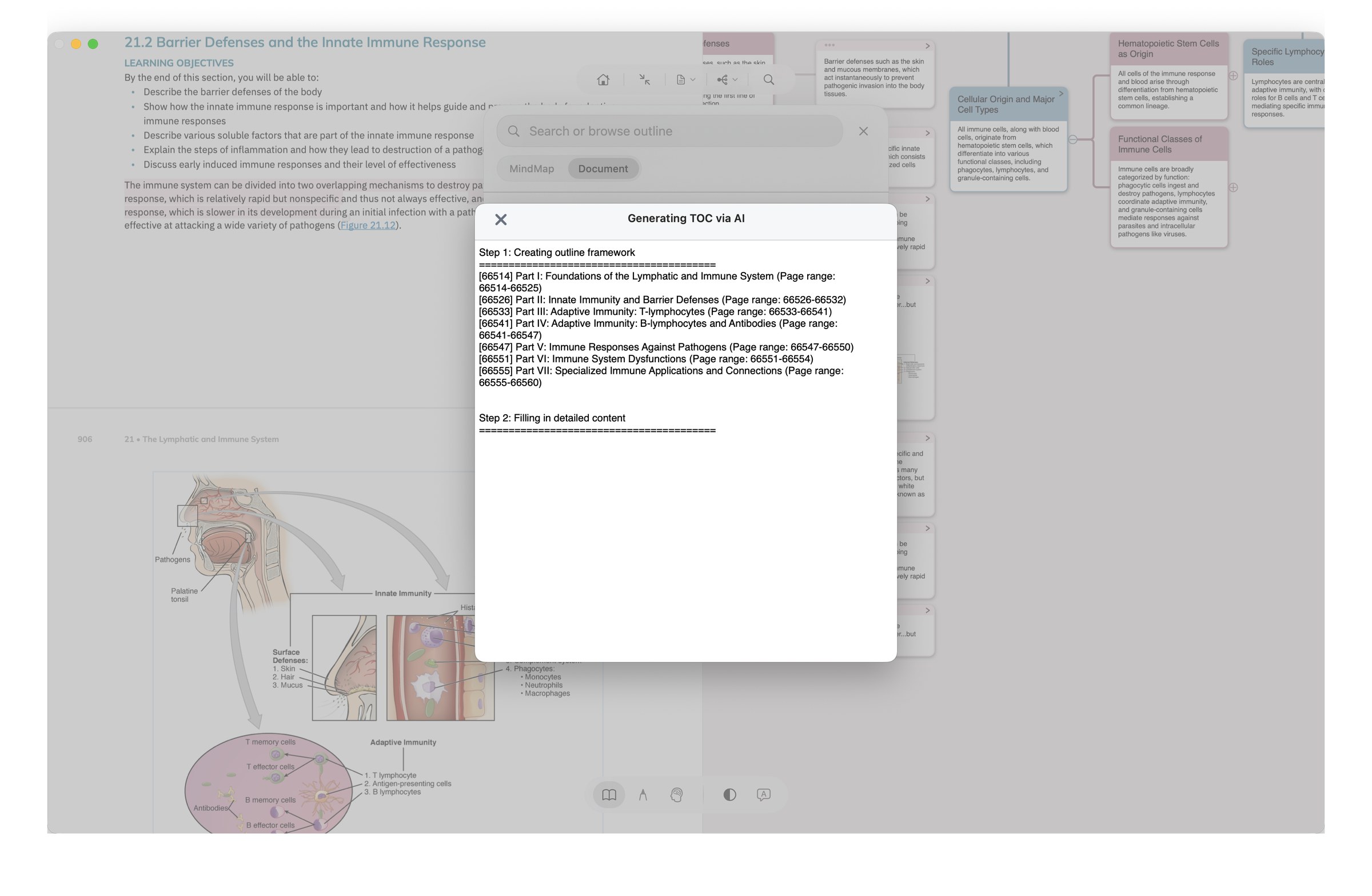
- Smart TOC generation: when a document has no table of contents, generate an editable, structured TOC with one click; freely switch between AI-generated and original TOC
- Auto-cards: title rewriting / cloze generation / batch polish — hand half of the manual card-making over to AI
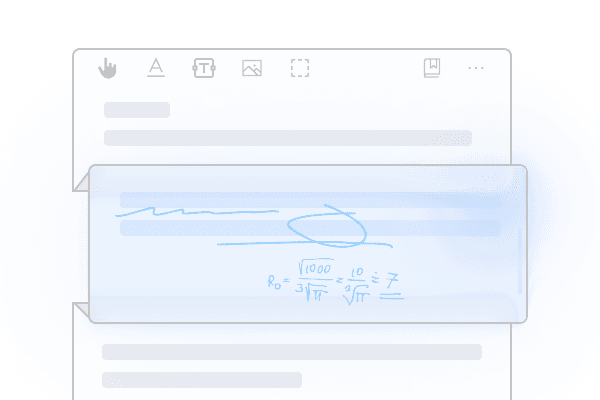
- Handwriting / formulas → Markdown: convert iPad handwritten notes and math formulas to editable text with one tap, making it smoother to feed Obsidian / Notion and other external tools
MN4 launches — not an MN3 upgrade, but a product-form rebuild
MN 3 was a chain of three things: "PDF reading + highlighting + mind maps." MN 4 reorganizes them into three independent modules — Document / Study Set / Review — corresponding to the three steps of learning: read → understand → internalize. The result isn't MN3 with a few new features bolted on — it's a product of a different shape. If you've only used MN3, MN4 is worth approaching as if it were a different app.
- Study Set — a brand-new module: all materials for a single course (textbook PDFs + EPUBs + lecture videos as MP4 + lecture audio as MP3) managed in one place, with full-text search + tags; cards can reference across documents — one Study Set = one recoverable learning environment
- Extended Note (Quick Extend Note): long-press anywhere on a PDF to open a writing space that doesn't attach to a sentence or keyword, with three display modes (embedded / margin / collapsed). MN4's most-praised new feature among English App Store reviewers ("opening new lines... this is awesome"). See feature page →
- Book Folding & Reorganization: insert chapters across books, merge multiple books, swap chapter order — digest material in your reading order, no longer chained to the author's table of contents
- Handwriting Layers: notes managed in layers, with one-click show/hide of any pass's handwriting strokes — the physical foundation for "use the same book across multiple passes" (first-pass core + second-pass mnemonics + third-pass error analysis stay clean of one another)
- Concept Link Map + Card Wall for Study Cues: another way of structuring beyond the mind map — create cross-structure summaries via lines or gestures, with freely placed card layouts. MN3 only had tree-shaped mind maps; MN4 adds "free layout" as a second thinking structure
- Mind Map upgrades: 10 branch styles + infinite canvas + one-click hide of strokes — the expressive power of the mind map itself takes a major step up
- YouTube / Bilibili online video integration: MN3 already supported local mp4/m4v video annotation (timeline highlights + in-frame annotations); MN4 extends this to online video sources — pull YouTube / Bilibili videos directly into MN via "Import from web," highlight them, handwrite over them, drop them into your mind map. Especially important for online-course learners: scenarios like medical online courses, bar-exam videos, and language learning used to mean "watch a video + flip to a notes app" — now they live in one place
- Dual-Article View + Inline Flashcard Editor: Dual-Article View compares two books on the same screen; card creation / editing / review all happen inside MN, no longer dependent on external Anki export
Mind Map Handwriting + Sub-Mind Map — the mind map itself becomes a canvas
3.7 promotes Apple Pencil strokes from a "doodling tool" to a mind-map operation tool — one stroke extracts text from a document into a node, another stroke connects nodes. At the same time, the "Inspiration Box" from the 3.6 series is upgraded into the Sub-Mind Map — alongside the main map, you can open multiple "infinite blank pages" carved up by knowledge topic.
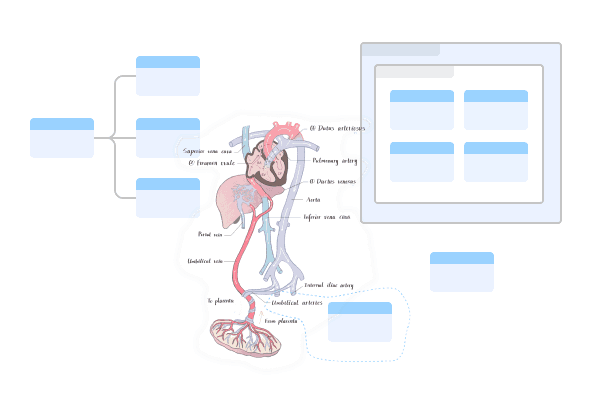
- Mind Map Handwriting: Pencil strokes are no longer just doodles — one stroke extracts text into a mind-map node; one stroke connects two nodes
- Sub-Mind Map: upgraded from the original "Inspiration Box." Each sub-map is like an infinite blank page, carved up by knowledge topic, with hierarchical switching between main and sub maps
- Card filtering into the map: cards not yet in the mind map can be filtered by tag / search / color, then added in batch
Plugin System — MN becomes an extensible platform
3.6.7 introduces the official Plugin System (Add-on Framework) — developers can write plugins in JavaScript and bridge to the Objective-C main code via JSBridge. This step turned MN from "an app with fixed features" into "a platform the community can extend" — third-party capabilities like Zotero Connector and AIAssistant trace their roots to here.
- JavaScript dev stack: plugins write their main logic in JS and call native via JSBridge — lowering the developer barrier
- Simple plugin structure: main.js + mnaddon.json + icon + README is enough to publish
- Lifecycle hooks: plugins can inject code at various stages (initialization / UI load / document open, etc.)
- Spawned a community ecosystem: the plugins that emerged in subsequent years — OhMyMN toolbox, Zotero Connector, AIAssistant, various auto-highlight scripts — all build on this framework
Title Link — your notebook becomes your encyclopedia
Introduces an automatic backlink mechanism — every card's title becomes a keyword and its annotation becomes the definition. When you read new documents, concepts that appeared in past notes auto-highlight on the new page and click through to the original card. This is MN's truly unique capability, still uncloned by Notion / Logseq / Obsidian and other competitors — their bidirectional links require manual [[]], whereas MN surfaces them automatically while you read.
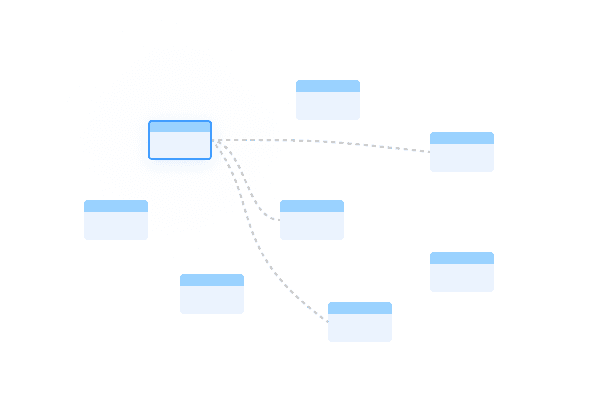
- Automatic reverse matching: old note titles → recognized in new documents → highlighted → jump to the original card
- Cross-notebook dictionary: all notebooks share a unified title vocabulary — five years of notes accumulate into one unified index
- Multiple keywords: a single card supports multiple keywords (semicolon-separated) — one card, many terms
- "Encyclopedia" framing: your card library becomes a clickable, queryable glossary — reading new content automatically activates old knowledge
MN 3 launches — the first rebuild around "read – annotate – review"
MN 3 wasn't a minor refresh of MN 2 — it was a thorough rebuild away from the "file manager" form. For the first time the UI was organized around the learning flow (a Document mode + a Study mode), and it introduced auto-card generation, auto mind maps, OCR, and study card decks — all of which became the signature capabilities of the MN line. MN 4 is its next major rebuild (in 2024); the six years in between were the refinement period of this architecture (including 3.6.4 Title Link, 3.6.7 Plugin System, and 3.7 Mind Map Handwriting).
- Dual modes: Document mode (reading + annotation) + Study mode (mind map + review) — for the first time, "reading" and "thinking" were split into two environments
- Auto-card generation: highlights automatically become cards, attached to the document margin — this automation is the foundation of every later "read-card interplay" workflow in MN
- Auto-add to mind map: highlights are automatically slotted into the corresponding chapter node
- OCR: scanned PDFs become searchable text
- Study card decks: cards can be grouped for management — cram-friendly before exams