
Write on the page
Annotate and mark up PDF pages by hand, just like a paper book.
Handwriting
On the page, on the mind map, in the margin space, on the question card — write directly. It is what our users praise most often.
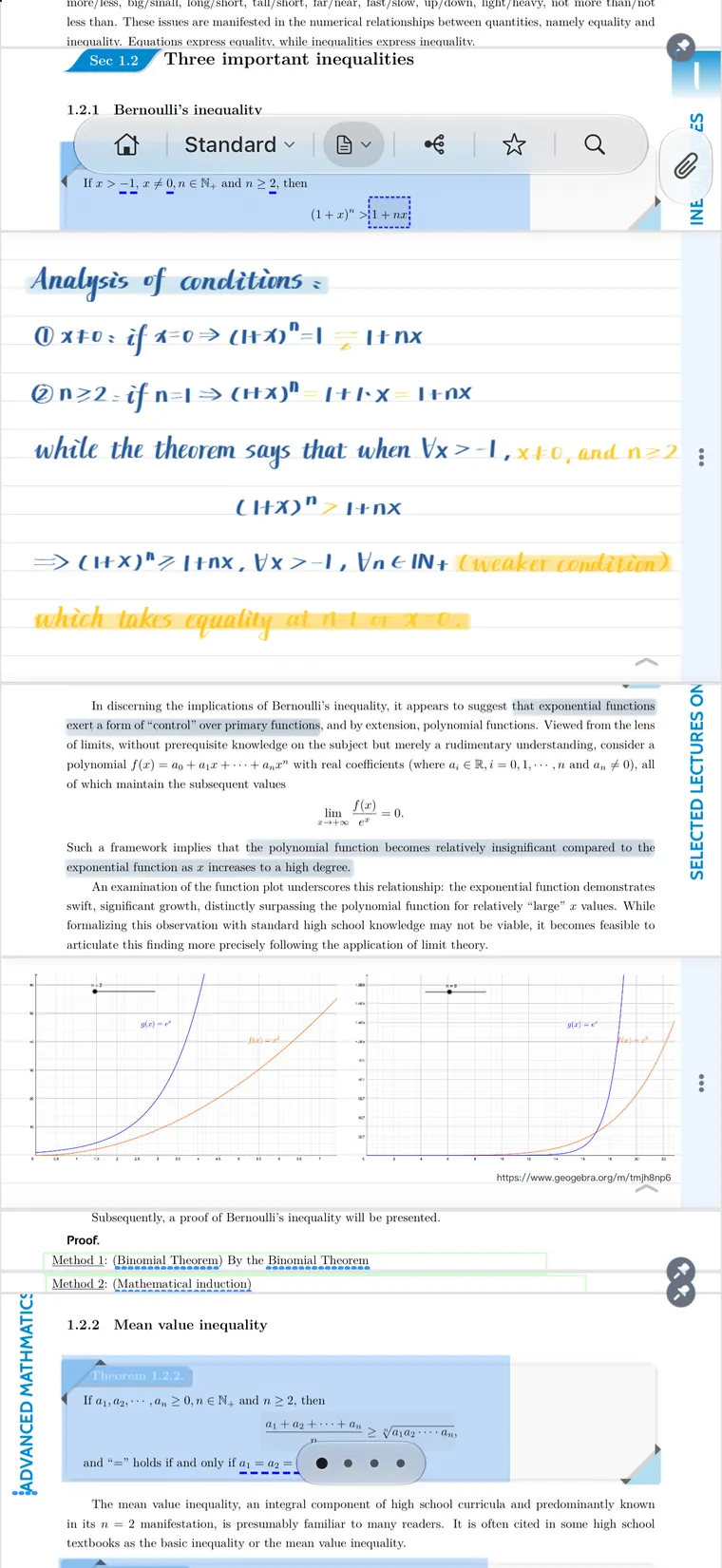
Annotate and mark up PDF pages by hand, just like a paper book.
Work out derivations and draw relationships on the canvas; ink moves with the map when it re-lays out.
Long-press anywhere on a page to open writing space — inline, in the margin, or folded away.
Switch handwriting layers on the same page, so a second pass isn’t cluttered by the first.
Endless paper that isn’t tied to a page, in several paper styles, for summaries and review.
Answer on the whole question card, even during review; your notes fold back onto the card.
“I have been waiting to find a way to read e-books and annotate them directly on my ipad, as in - not type notes, write and draw on pages - in an app that shows the book's table of contents.”