
Highlight the book. Grow the map.
Every highlight becomes a card on the map, linked back to the page.
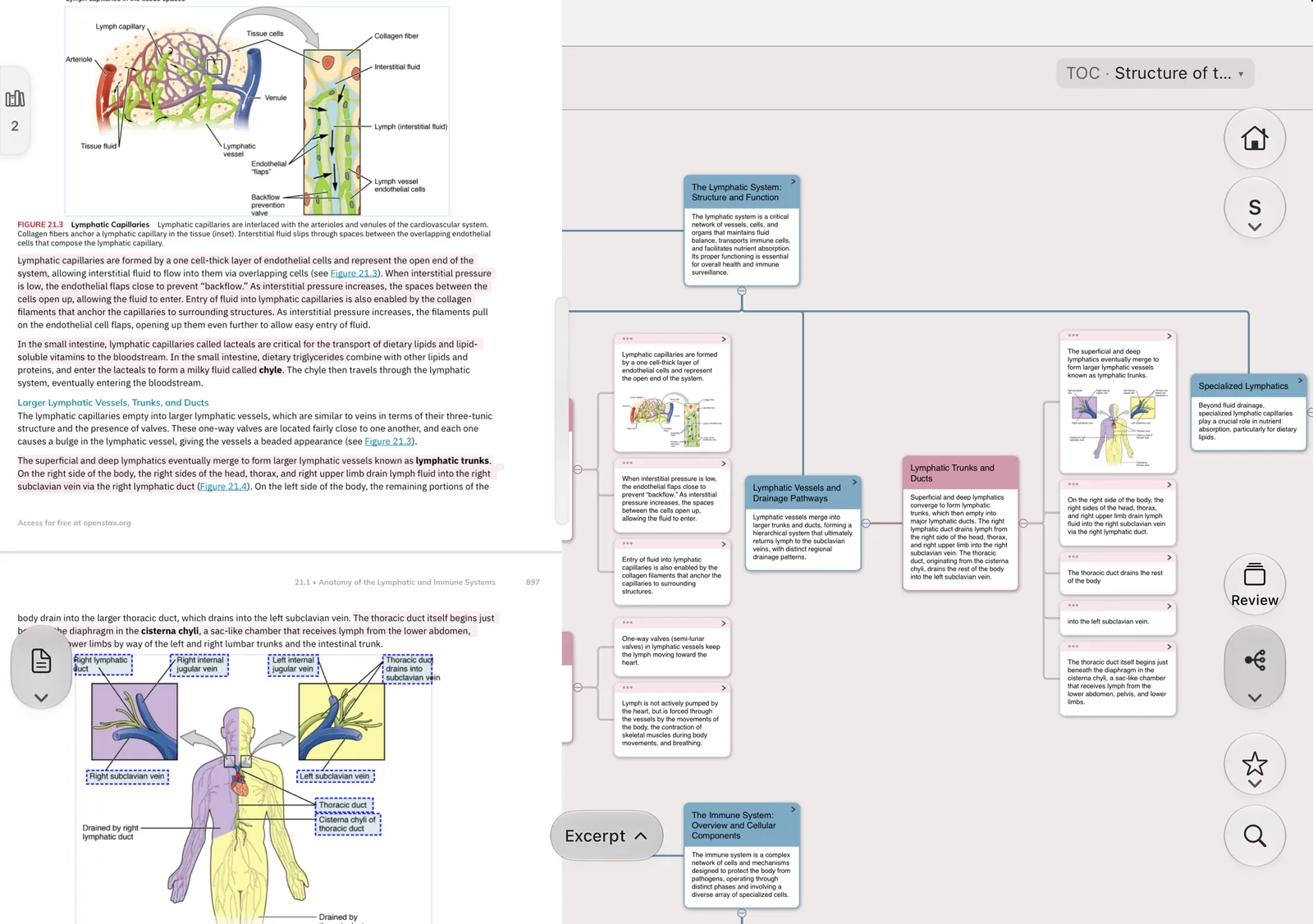
MarginNote 5 · iPhone Duo
One column on the outer screen, split view inside. Fold or unfold — you stay on the page you were reading.
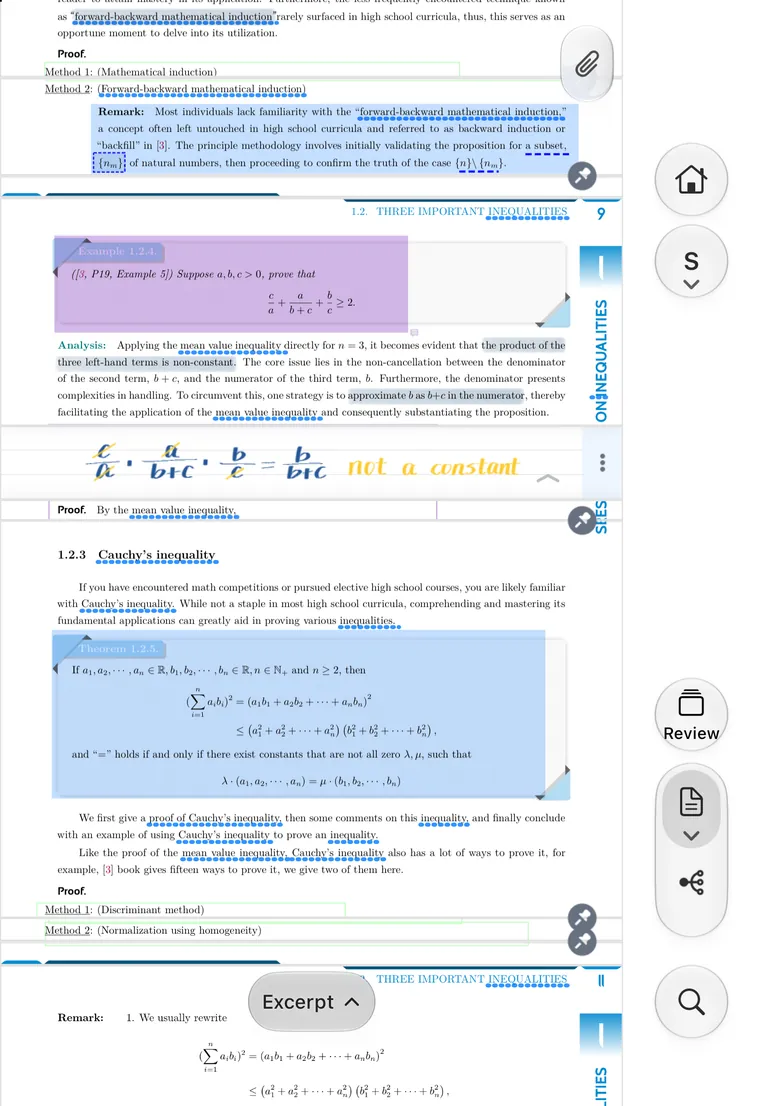
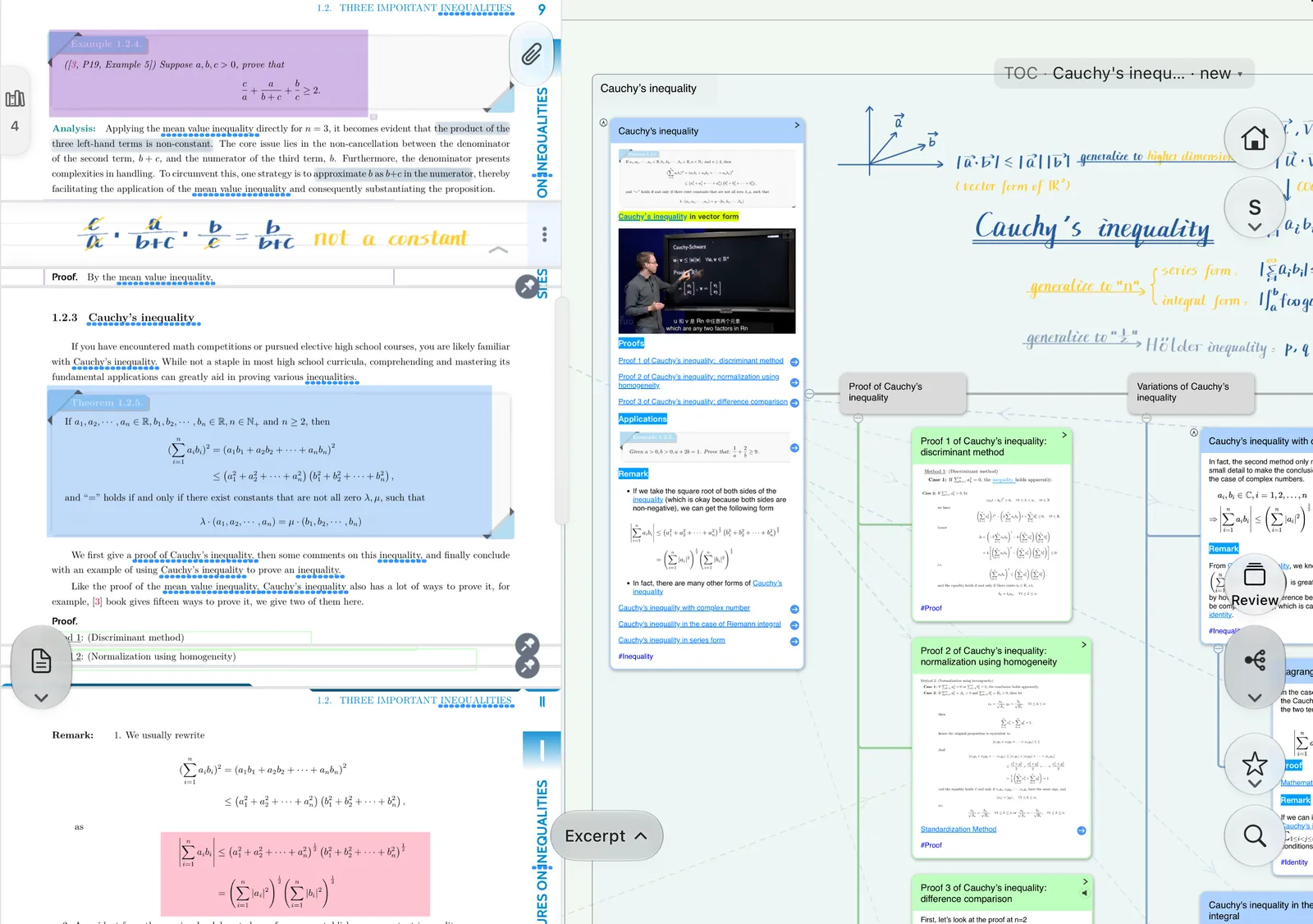
The same page of the same math study set, captured on both screens.
Closed
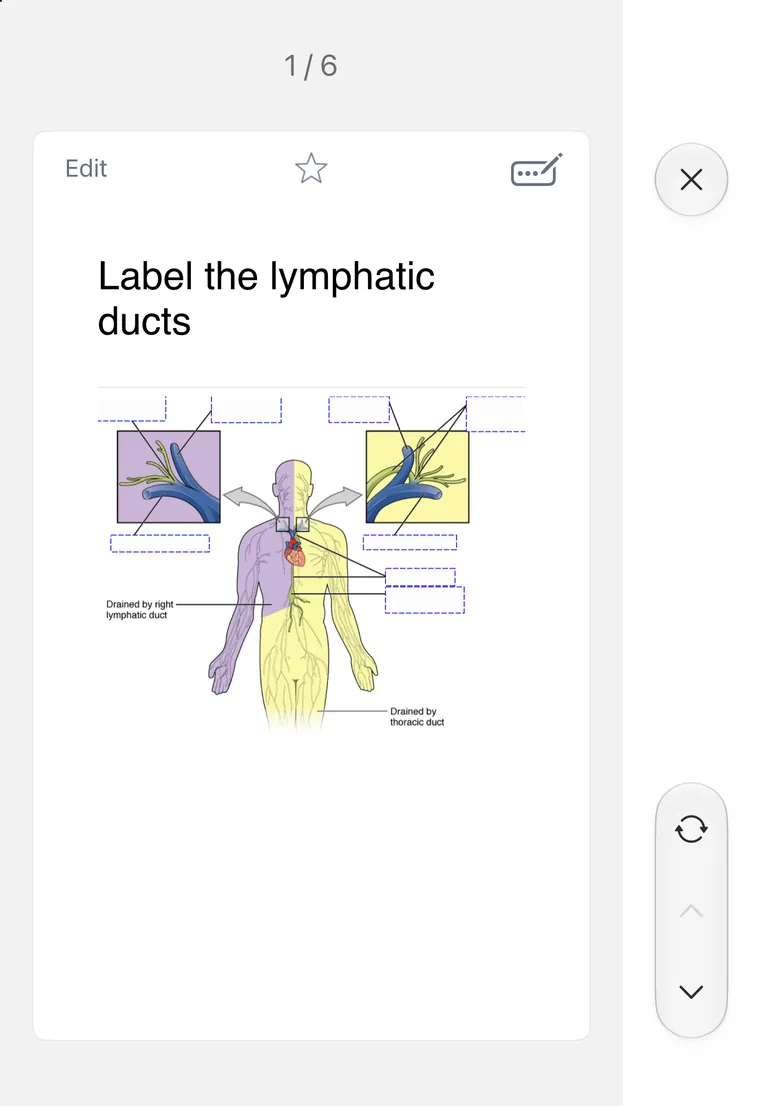
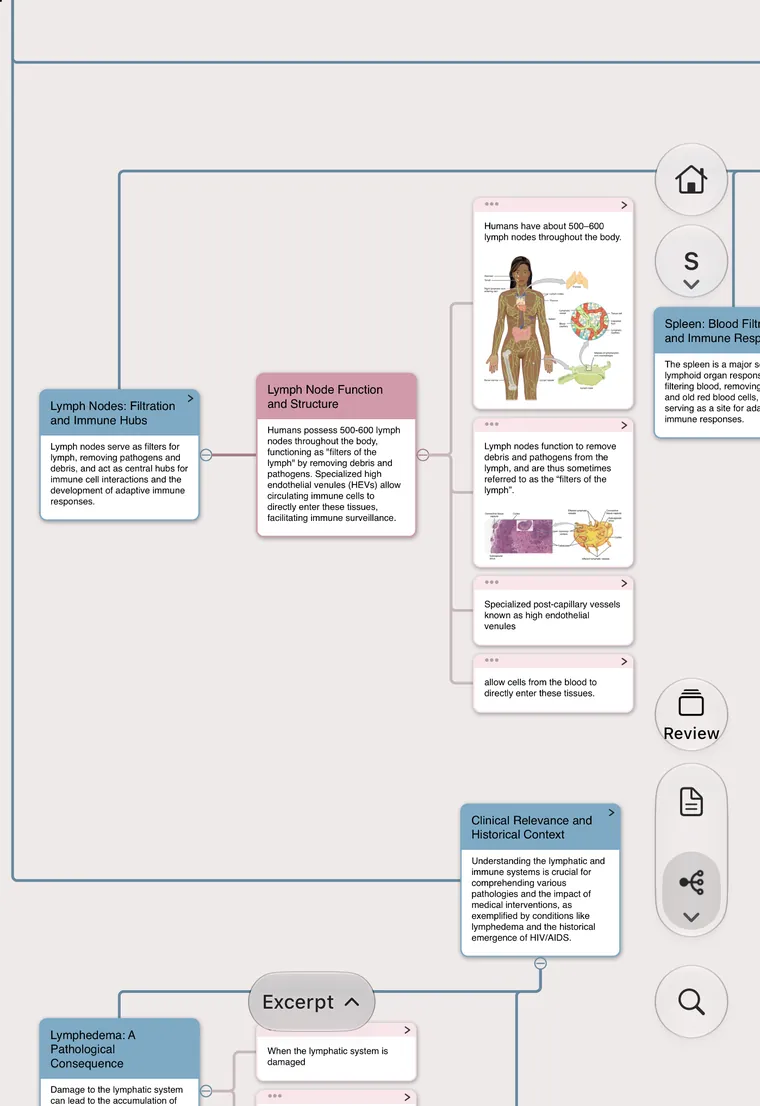
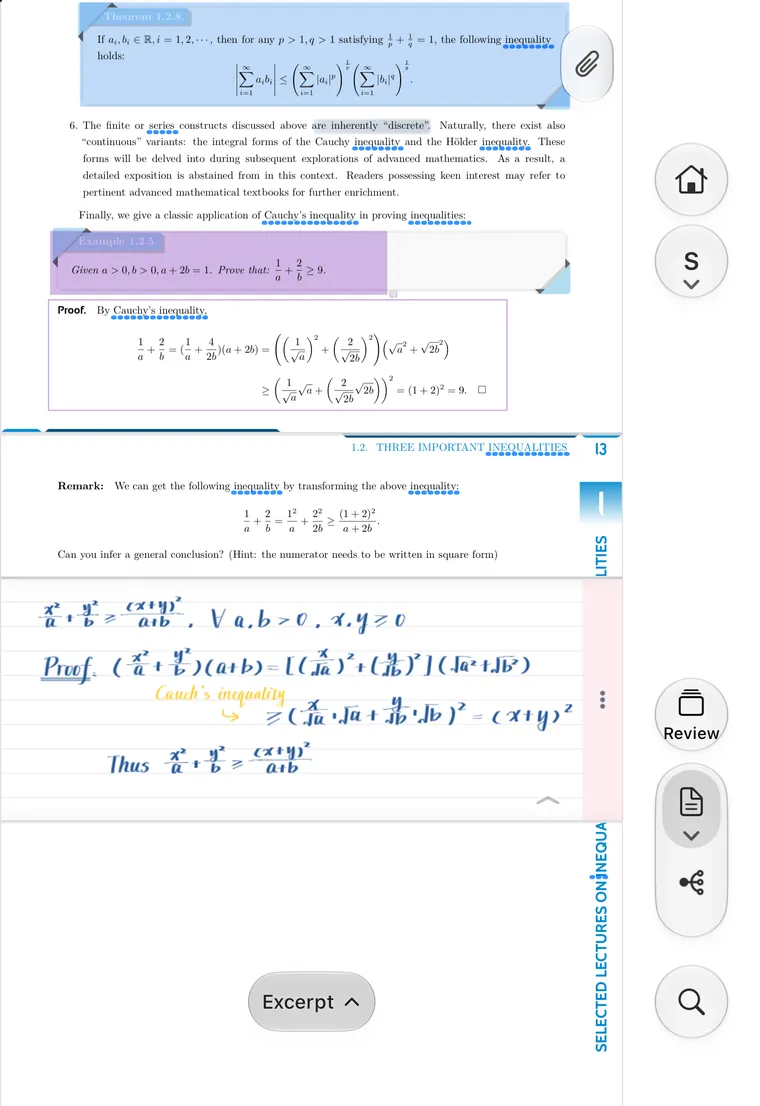
Open
Every highlight becomes a card on the map, linked back to the page.
Derivations live on the mind map, beside the textbook.
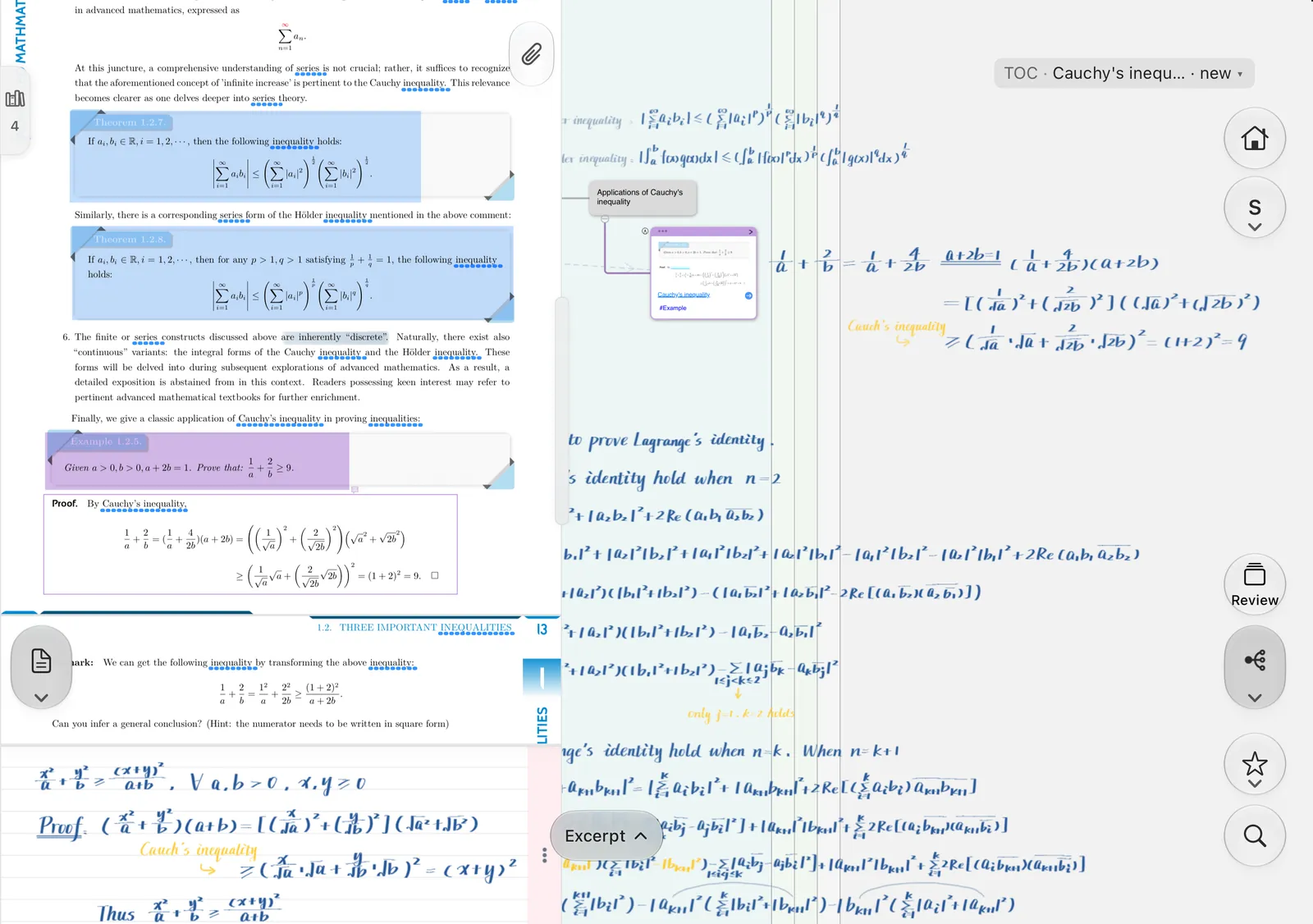
Scenario templates sit in the side rail — one set for each kind of work.
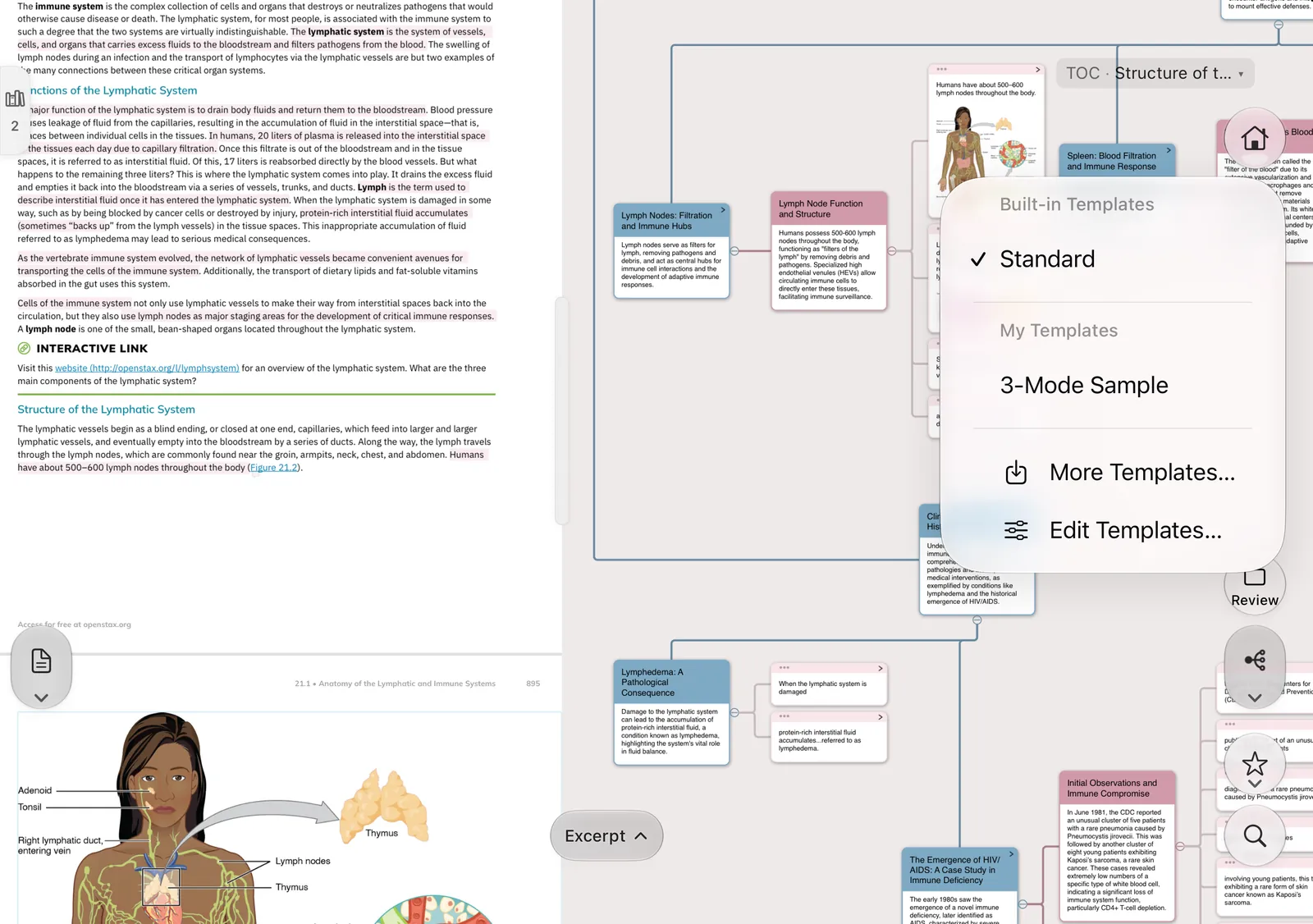
Tabletop
The card on the top half, the source page and grading buttons below. Flip to check, and the page it came from is right there.
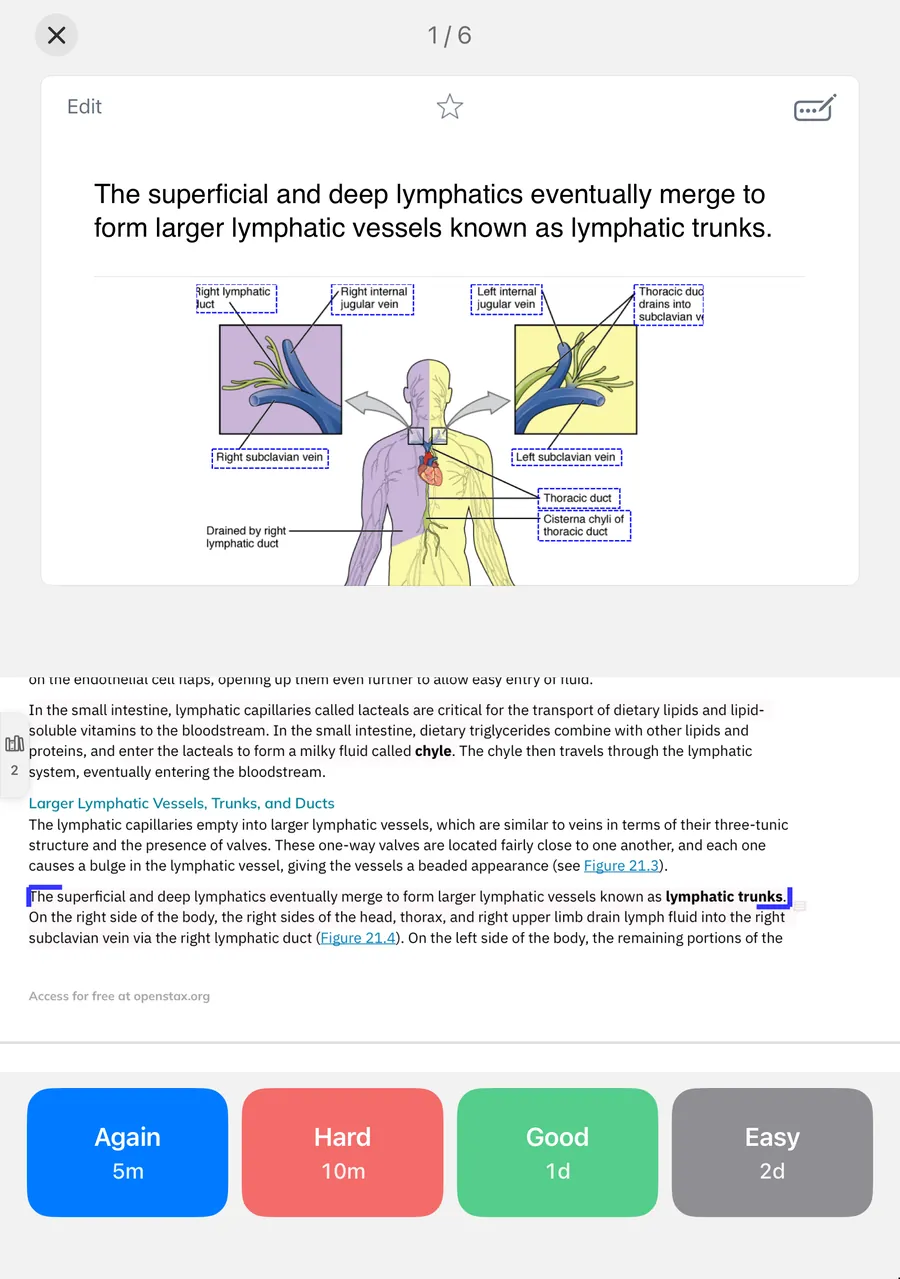 Fold
FoldGlance when closed, study when open.
Read, write and organize.
Review on the go.
Wide screen, keyboard first.
Duo uses the scenario interface; layout and available features vary by device. Captured from MarginNote 5 sample study sets.
Choose a download ↗